The following describes the functionality and features included in Probe Audit Premium+.
Instructions:
10.21 - ENGAGEMENT LETTER
Watch the video for detailed guidance on the feature above, then read the summary below for a concise overview.
Document placement
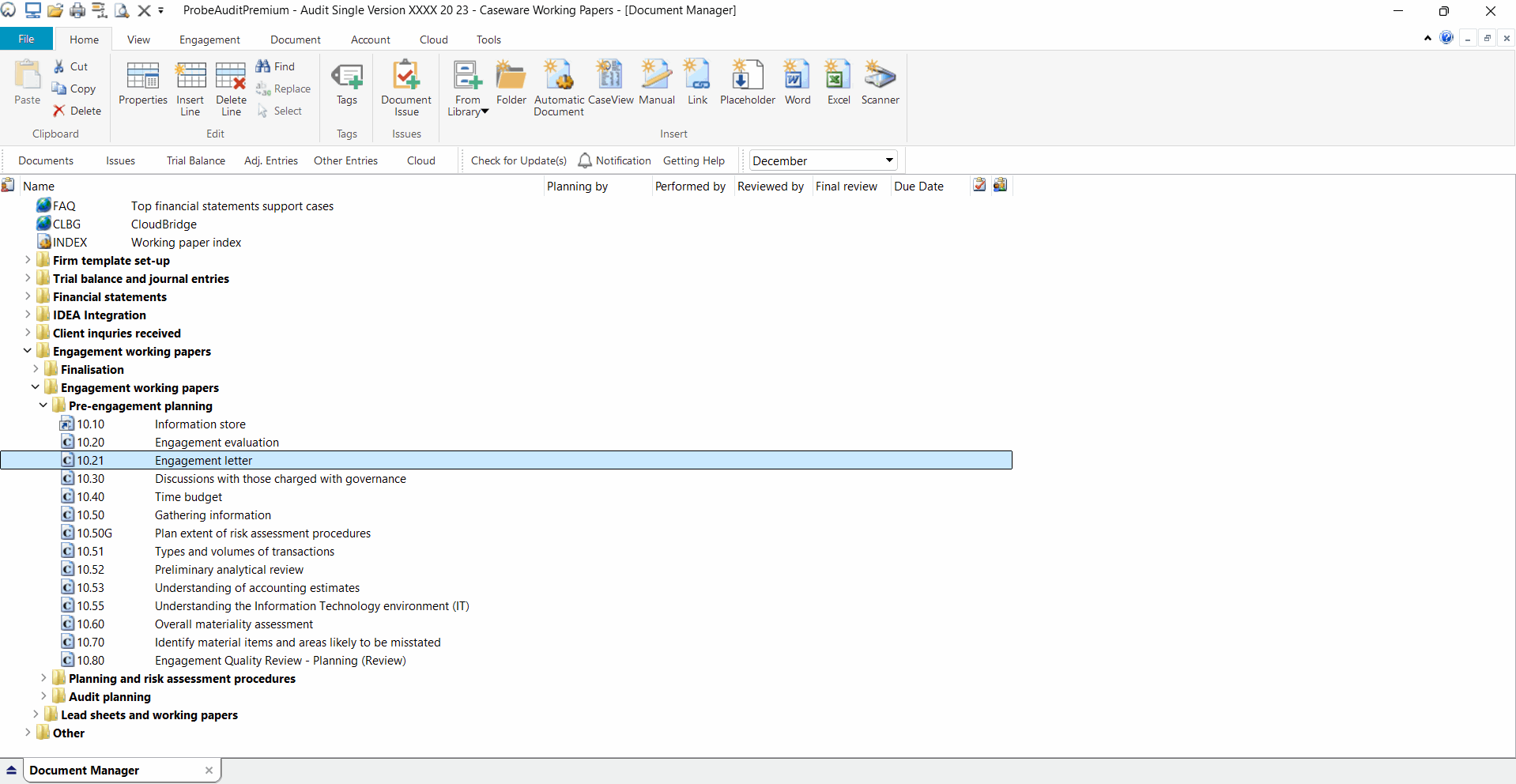
Document 10.21 – Engagement letter can be found in the Pre-engagement planning folder in the Caseware document manager.
Document content
This document is designed to be a letter type document with the ability to insert, edit and delete paragraphs.
You also have access to design mode to edit the format according to your firm’s corporate identity.
This document is divided into different bookmarks in the document map to assist you in preparing the letter for signature. The document map is responsive based on questions answered in the engagement file. Bookmarks included in this document include:
- Settings
- Engagement letter, with various further tagged areas for simplified navigation through the letter
Layout
|
SECTION
|
INPUT REQUIRED
|
OUTCOME
|
|
Settings - Letterhead space
|
Select the spacing for you firm letterhead at the top and bottom in the drop-down box next to the relevant header or footer.
|
The letter will start printing after the letterhead space you selected. If you selected the correct sizes, it will not print over the firm’s letterhead.
No impact on the rest of the engagement file.
|
|
Date
|
The date should be changed to the date you agreed the terms of the engagement with the client.
|
The document will contain the correct information, which will serve as the effective date of your engagement by the client.
No impact on the rest of the engagement file.
|
|
Client’s address
|
The address will pull through from document 10.10 – Information store and can be overridden if required.
|
The document will contain the correct information.
No impact on the rest of the engagement file.
|
|
Letter content
|
You must customise the template content to best fit your client’s situation.
|
The contract with the client will be an accurate reflection of the client and describe an accurate understanding of the respective responsibilities.
No impact on the rest of the engagement file.
|
Document outcomes
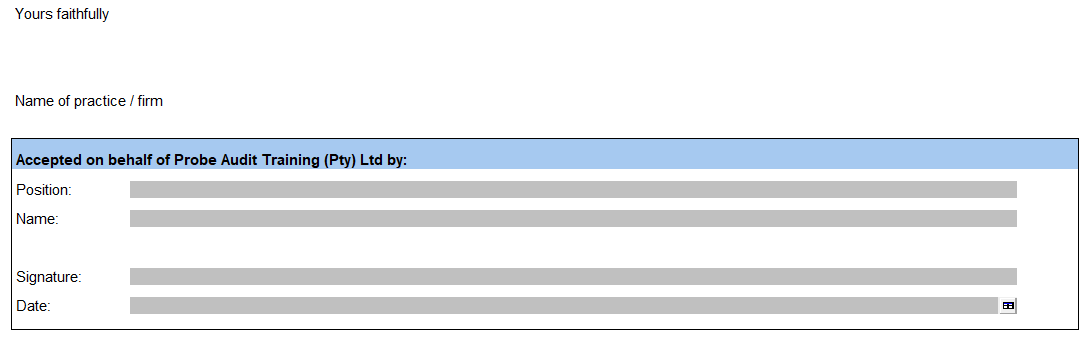
You have to conclude on this document only after the engagement partner has signed the document and you have received a signed copy back from the client.
Group audits
When the engagement type Group Audit Single was selected, there is no change to the engagement letter.
When the engagement type Group Audit Multiple was selected, relevant terms are amended, such as ‘consolidated financial statements’ and ‘group management’.
Features
The following features are available in the document:
- Design mode, see page F2
- Edit paragraph / Enable editing, see page F6
- Inserting a paragraph, see page F7
- Hiding / Ignoring a paragraph, see page F8
- Freeze, see page F17
Rate this article:
|vote=None|
Processing...
(Popularity = 0/100, Rating = 0.0/5)
Related Articles
Cloud App l How to include text areas for firm sign off in engagement letter
Audit International | How to integrate your financials into your Audit International engagement file
Probe Audit | 10.20 - Engagement Evaluation
Cloud App | How to carry forward (roll forward) an engagement
view all...
Search Results
Editing the Company Registration Number
What is the client registration number?
XBRL Lite | Version number (IFRS) 2023.05.01, 2024.05.01 & (SME) 2023.04.01, 2024.04.01
Can my client signer give authorisation to multiple companies at the same time?
Editing Authorised Signer Details
view all...