An Intuitive Cloud-Based Solution to Streamline Agreed-Upon Assurance Engagements.

ISRS Agreed-Upon allows auditors to gather appropriate evidence for the compliance reporting requirements of ISRS 4400 in line with procedures agreed.
A streamlined workflow guides users through the entire engagement process - including all applicable documentation like agreeing the terms, documenting the procedures and completing the agreed-upon procedures report.
Powered by Caseware Cloud, the app is always available from any location, on any device, at any time. The app is licensed on a per engagement basis, which means you can buy what you need, when you need it and top-up at any time.
Learn More
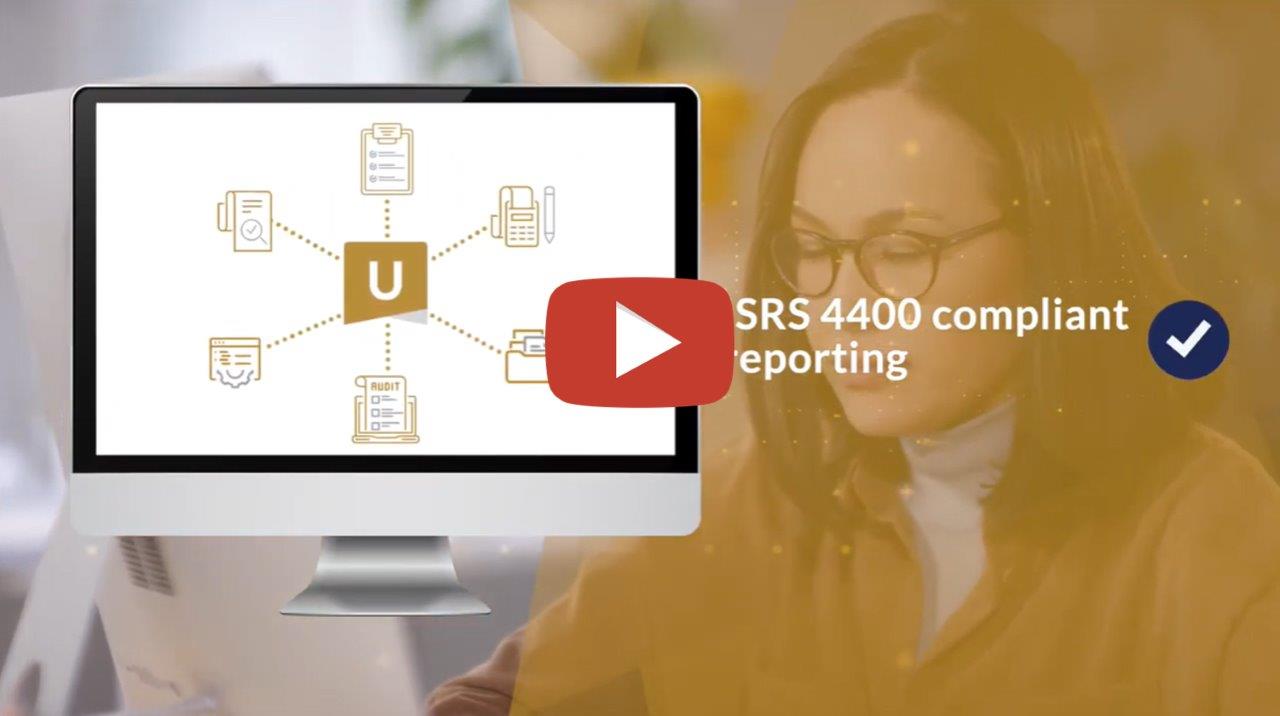
Key Features of ISRS Agreed-Upon
- Built-in Methodology - Conduct ISRS 4400 engagements using a built-in compliance framework.
- Continuous Updates - Perform agreed-upon procedures engagements using the latest relevant International Standards and guidance issued by the accountancy body.
- Engagement Management - Track progress for every engagement and monitor statuses for all engagements across the firm.
- User Collaboration - Instantly interact, track engagement updates and collaborate together between multiple users in the same document in real-time.
- Client Collaboration - Communicate and collaborate directly with clients and colleagues within the app whilst providing transparent visibility to partners at all times.
- Real-Time Notifications - Stay informed about staff activities and client engagements by subscribing to email notifications on any or all changes and updates.
- Optimisation - Empower firm authors to utilise checklists, questionnaires, queries and work programs with full control over the content.
- Built-In Roll-Forward - Increase efficiency by leveraging extensive built-in logic to roll-forward selected information related to the client.
- Reports relating to Certificates prepared by company for conveyancing purposes
- Application of Business Visa in terms of Immigration Regulations under the Immigration Act
- Donor Funding Engagements
- Section 12I Tax Allowance Incentive Program (DTI)
- Enterprise Investment Program: Manufacturing Investment Program or Tourism Support Program
We have developed a collection of short FAQs to help you get up and running with the ISRS App in no time. Click here to access these resources.
If you are a firm Champion or firm template author, you will receive the access to this application from an Account Management Level. Please log into your instance of Caseware Cloud to verify if this is indeed activated. You can then proceed to manage access to this from an Admin point of view.
If this is not successful contact our admin team at info@casewareafrica.com
Who is the Firm Champion?
I Do Have a Caseware Africa Success Community Login
I Do Have a Caseware Africa Success Community Login But Cannot See the My Software Option
-
You may request the file to be provided to you by your firm champion
-
Alternatively to obtain this access your firm champion will need to update your user permissions on the Content Management page once they have logged in. This page is available when selecting the My Team's Information option in the drop down menu. When clicking on the Manage button next the user's name, ensure that the Download Software checkbox is ticked. This will allow the user access to the My Software page.
I Don't Have a Caseware Africa Success Community Login
-
If you are responsible for managing updates and don't have a login for the Caseware Africa Success Community, click on the Login button in the top right and then Register Now.
-
If this is not successful contact our admin team at info@casewareafrica.com
Rate this article:
|vote=None|
Processing...
(Popularity = 1/100, Rating = 0.0/5)
Related Articles
ISRS Agreed-Upon | How to create an engagement file
ISRS Agreed-Upon | Latest release
ISRS Agreed-Upon | Latest release
Cloud App | How to manage the firm template
view all...
Search Results
Changing Client Signers on Forms
How do I know the client signer has authorized the auditor to send requests? (New Version of Confirmation)
Adding Financial Forms to a Client Profile
Can I add different authorised signers to different forms?
I can’t request authorisation from a client signer as the name is greyed out (cannot be selected)?
view all...