How to assign user access to the different modules within the IA Governance app.
Instructions:
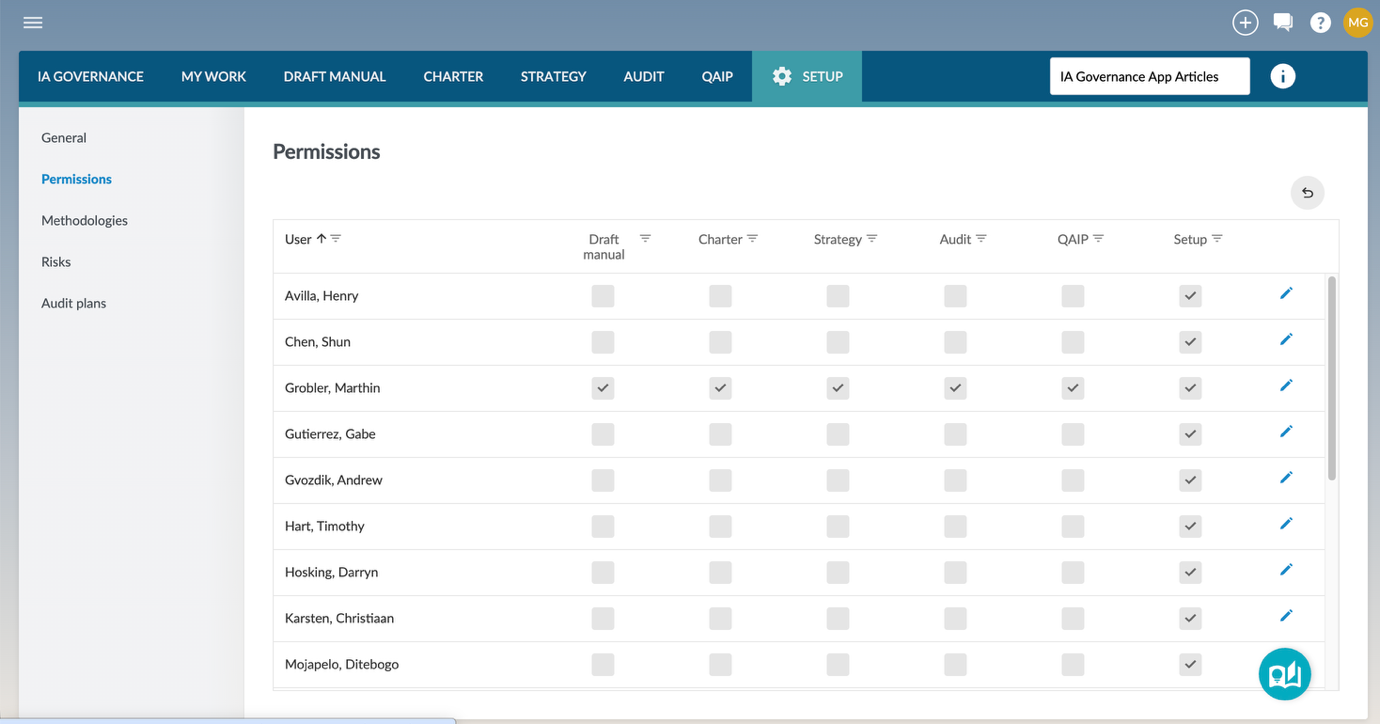
The Permissions page under the SETUP module allows you to assign user access to registered Caseware Cloud users. Permission selections determine which users will have access to which modules of the IA Governance app.
Objective
The objective of SETUP | Permissions is to provide the identified Caseware Cloud users access to the different modules of the IA Governance app. Access should only be granted in line with the responsibilities that the users will have within the internal audit function of the entity to which this app relates.
Page position
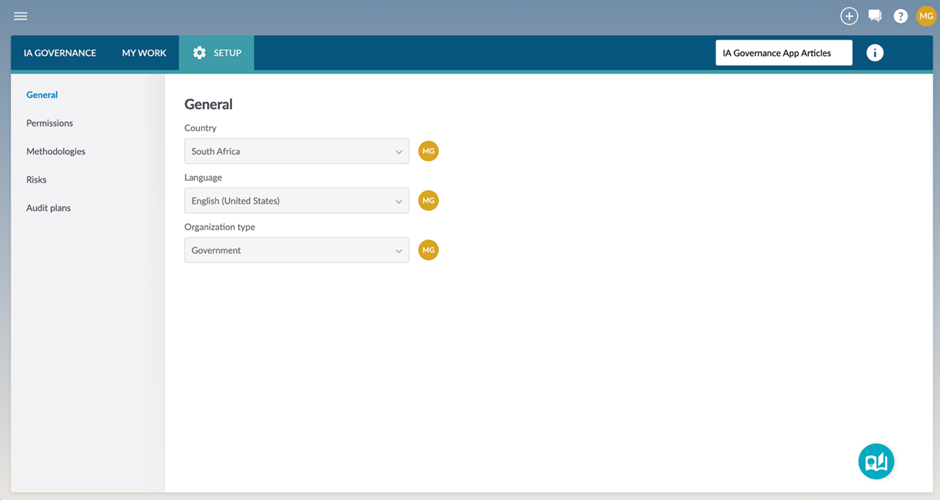
SETUP | Permissions can be found on the sidebar within the SETUP module of the IA Governance app.
Page content
The Permissions page under the SETUP module allows you to manage which users can access the different modules in IA Governance.
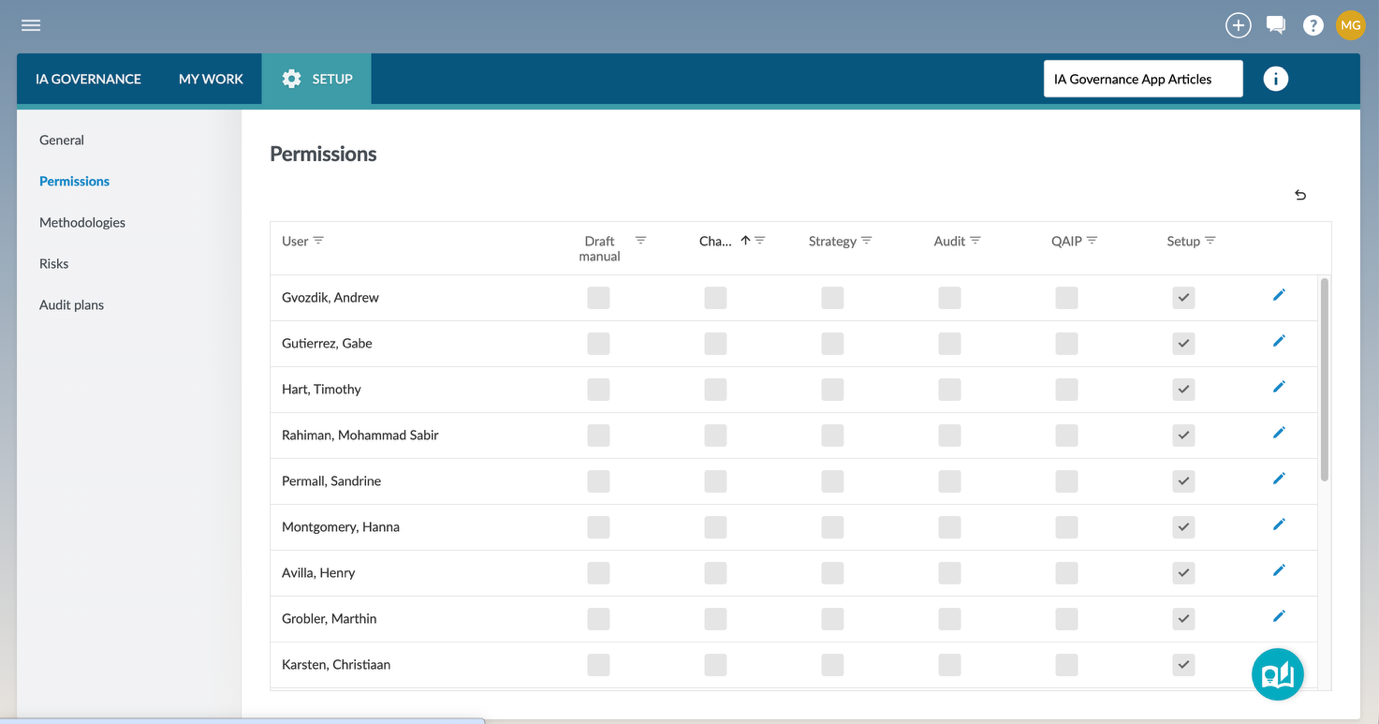
All users listed in this table are either internal audit Staff or Contacts. A user will appear here when two conditions are met:
- They have access to the Entity in Caseware Cloud.
- They have been granted access to the IA Governance app.
Any adjustments to user access that need to be made can only be done in edit mode for that specific user. Edit mode is activated by selecting the pencil on the right-hand side of the screen.
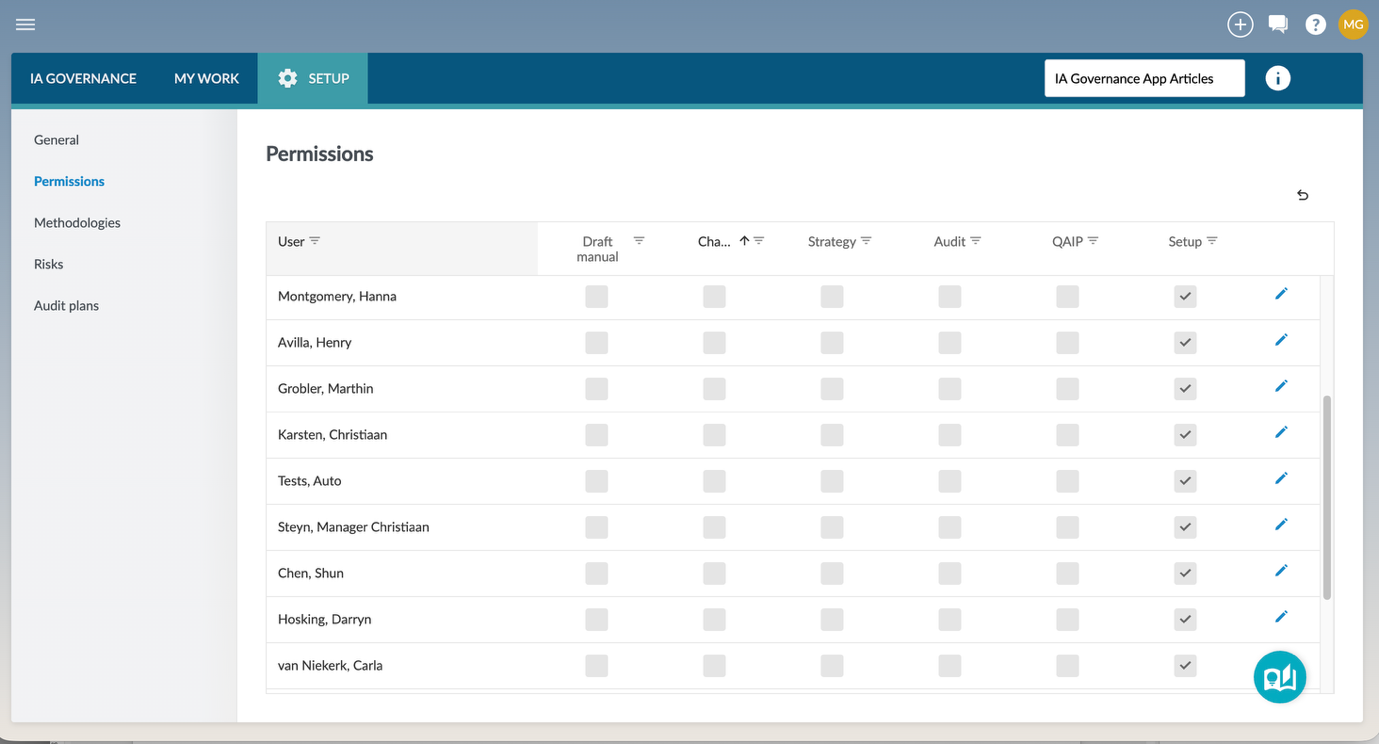
The selection of modules that the user needs access to can now be made. The selection is only confirmed once the save icon is clicked. Any selections can be discarded by clicking on the back icon.
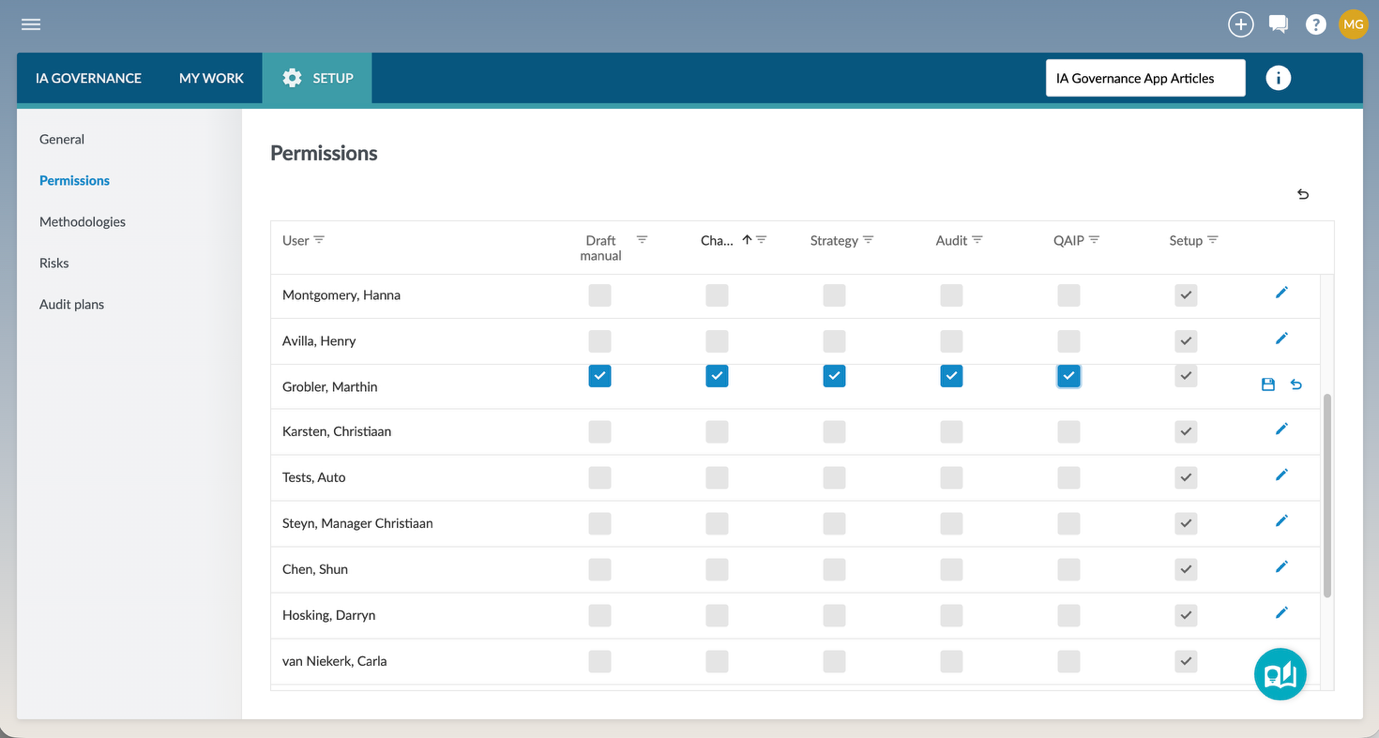
Once the user access selection has been saved, all of the modules that the user has been granted access to will appear in the top ribbon of the IA Governance app.
Page outcomes
After assigning user permissions, individual users will only have access to the specific modules for which permissions have been assigned.
Features
The following features are available on this page:
Rate this article:
|vote=None|
Processing...
(Popularity = 0/100, Rating = 0.0/5)
Related Articles
IA Governance | SETUP - General
IA Governance | SETUP - Methodologies
FNB Business and Commercial - Liability Form Setup Instructions
User Profile for Bank Users Set Up
view all...
Search Results
Privacy and Security Summary
Where to find information about Caseware’s security, privacy, and compliance practices?
XBRL | How to change security settings for Caseware and when iXBRL "hangs" on CIPC validation
ISO 27001 Certification
SOC 1 and SOC 2 Examinations
view all...