Where and how to configure and setup the methodologies of the Internal Audit Function that will form part of the DRAFT MANUAL. How to customise these methodologies in terms of topics and identify the various roles that develop, review and approve the methodologies.
Instructions:
The Methodologies page under the SETUP module allows users to define which topics will be included in the internal audit manual. A pre-defined list is available for customisation, as well as the ability to add topics. All topics within SETUP | Methodologies will appear in the DRAFT MANUAL module. Different Roles are also defined within this section, allowing the assignment of responsibilities of parts of a methodology within DRAFT MANUAL | Methodologies to specific role players.
Objective
The objective of SETUP | Methodologies is to outline the topics that will make up the methodologies of the internal audit function. Additionally, the different role-players will also be defined within this section to allow the assignment of specific responsibilities for different parts of the methodologies.
Page position
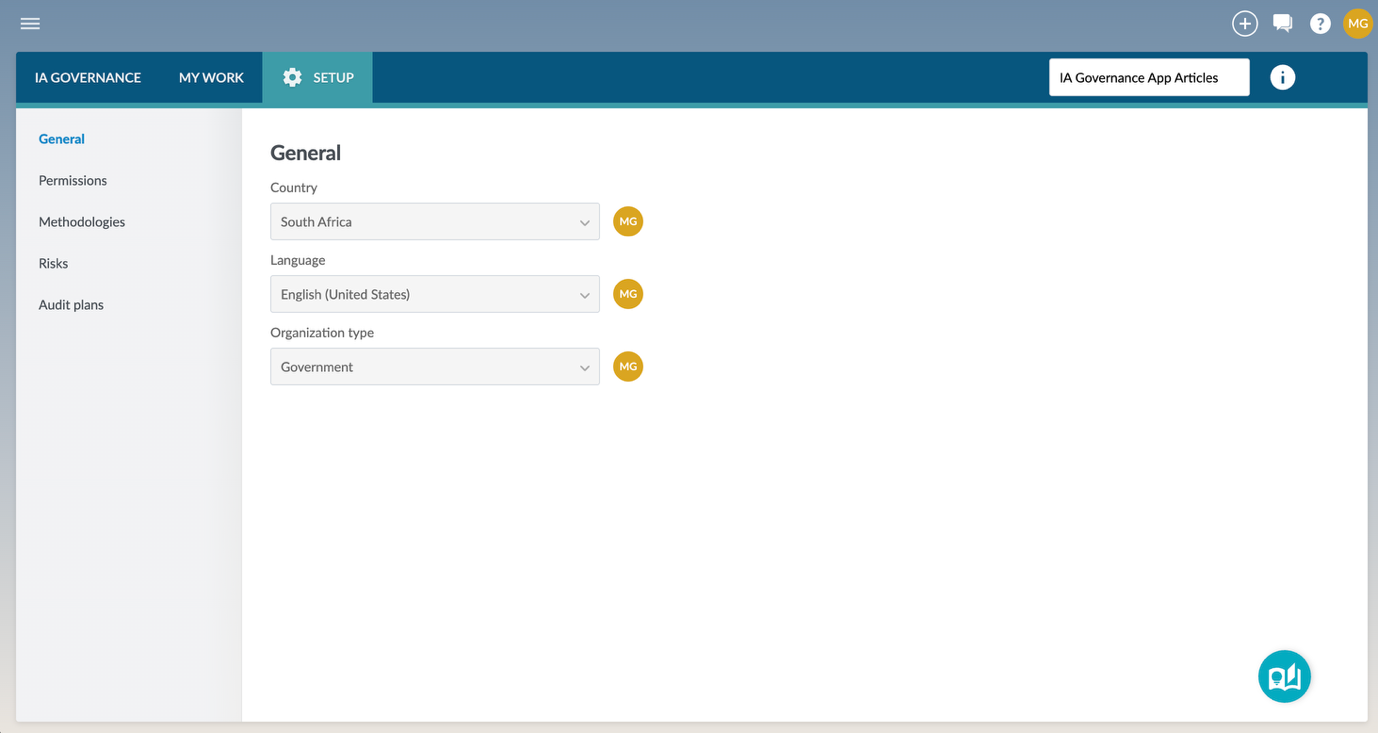
SETUP | Methodologies can be found on the sidebar within the SETUP module of the IA Governance app.
Page content
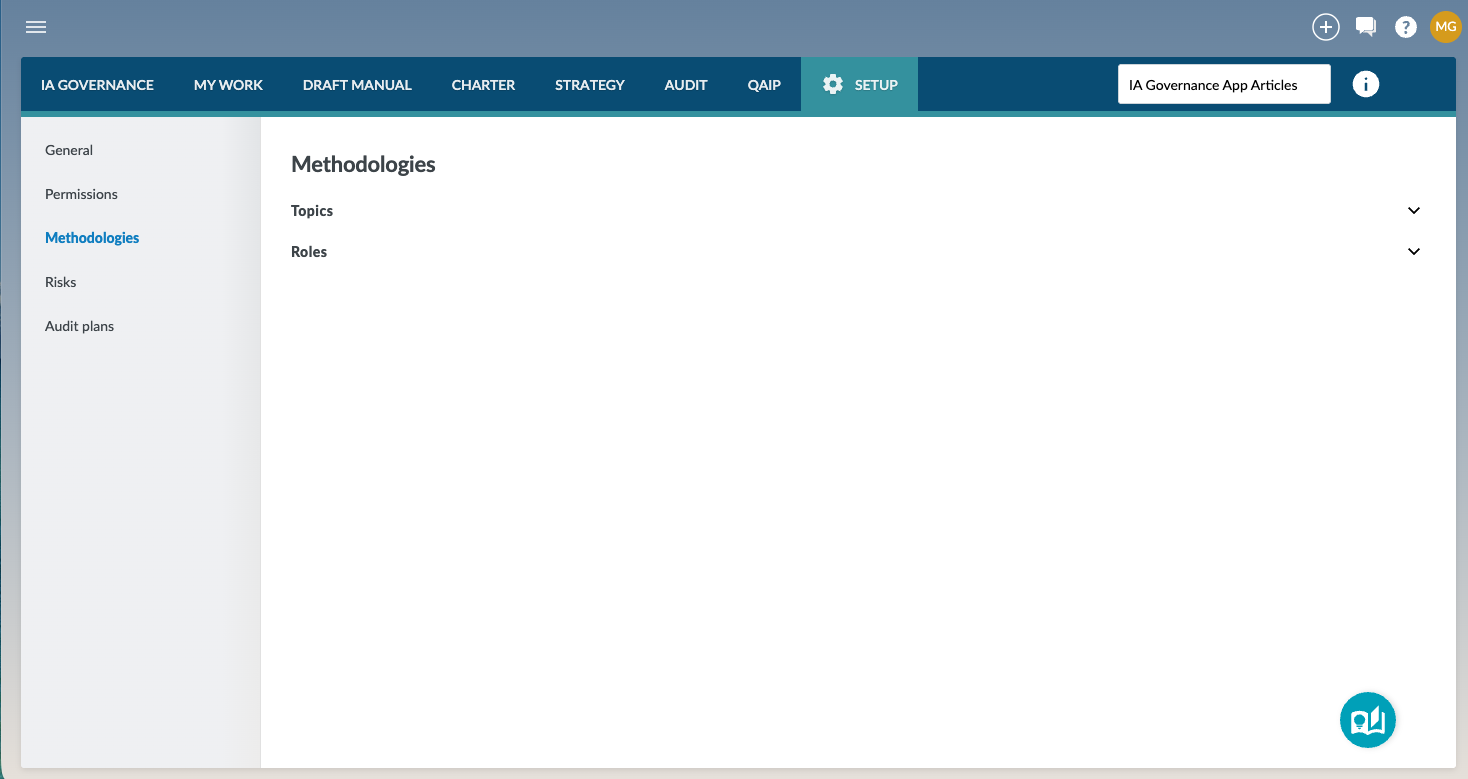
The Methodologies section within the SETUP module allows you to define the topics that will be contained within the DRAFT MANUAL module, and the roles that can be assigned to different elements of the methodologies.
Topics
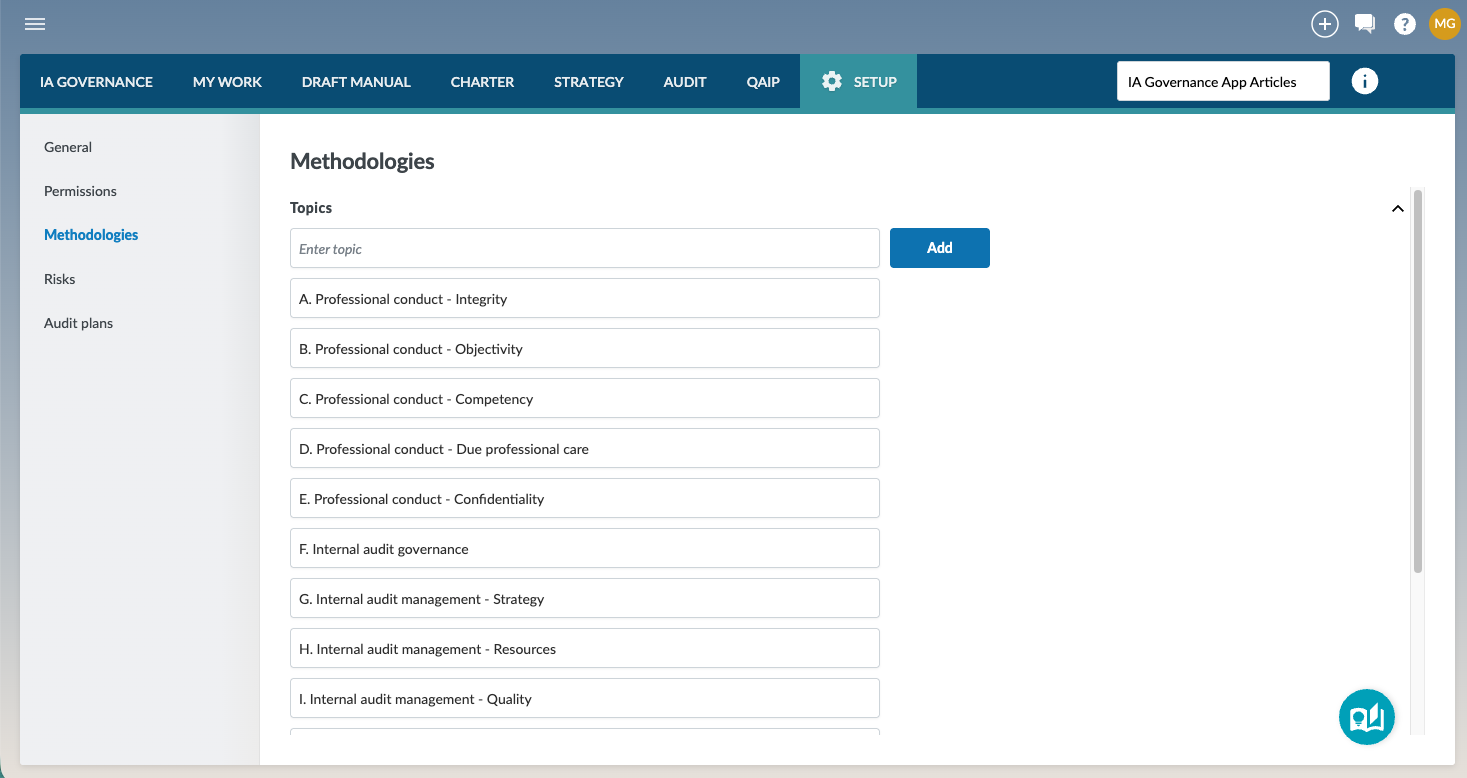
Topics are used to define the methodologies of your internal audit manual. The structure within this section will determine the structure of your internal audit manual. By defining your own topics, you can tailor the structure of the manual to match your entity’s internal audit practices. Some topics have been pre-defined. These topics cannot be deleted, but the topic names can be edited to correspond to the needs, structure and terminologies of your internal audit function.
Roles
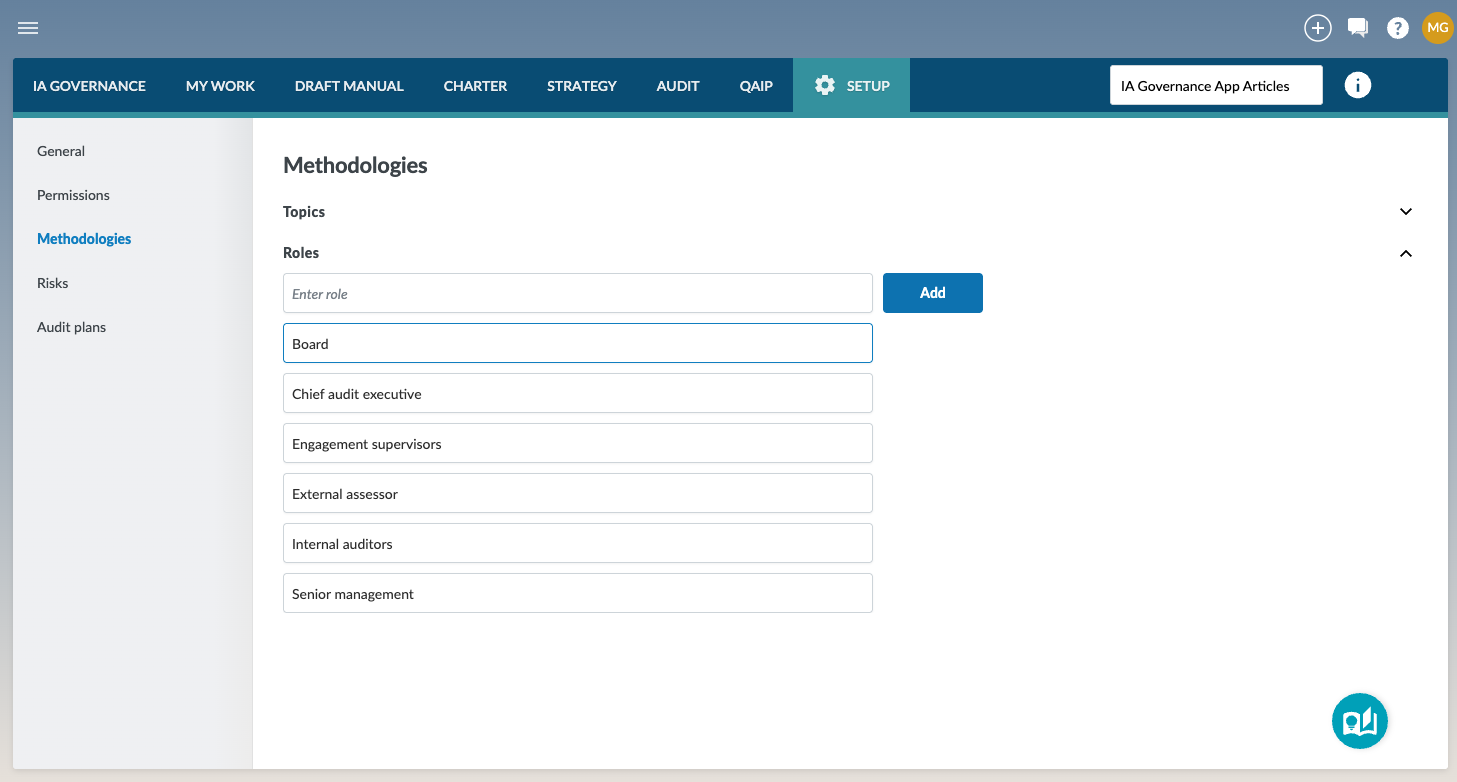
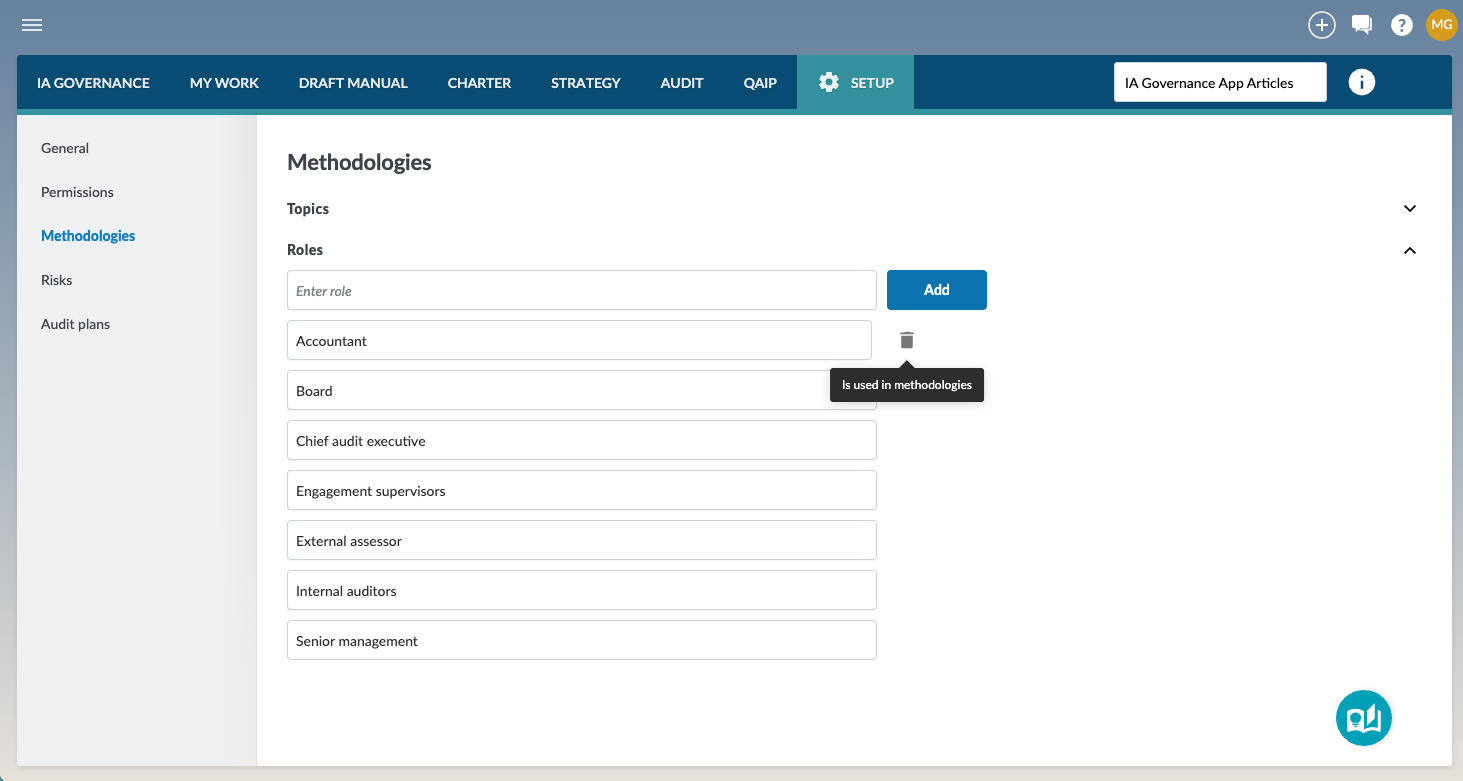
Roles are used to assign responsibilities within the methodologies. Each requirement in the manual can be linked to a role, making it clear who is responsible for what. This ensures accountability and makes it easier to see, in the established manual, the responsibilities of each part of the methodology. Some roles have been pre-defined, and while they cannot be deleted, the names of the roles can be edited to correspond with the terminology of your organisation.
Adding topics or roles
On the Methodologies page, you can add or edit topics and roles to tailor the internal audit manual to your organisational needs. To create a new topic or role, enter the name into the input field at the top of the section and select Add. The new item will then appear in the list and can be used in draft methodologies.
Deleting topics or roles
Only topics or roles that have been added by users of your entity can be deleted. As a safety measure, topics or roles that are currently in draft, or being used within the DRAFT MANUAL module, will not be allowed to be deleted. A tooltip indicator will identify that the delete option is not available, ensuring that no draft content is left with broken references.
Page outcomes
Defining the topics and the roles within this section defines what methodologies will appear within the internal audit manual, and which roles can be assigned to different elements of the methodologies under DRAFT MANUAL | Methodologies.
Features
The following features are available on this page:
Rate this article:
|vote=None|
Processing...
(Popularity = 1/100, Rating = 0.0/5)
Related Articles
IA Governance | SETUP - General
IA Governance | SETUP - Permissions
Getting started with IA Governance
What is Caseware Internal Audit?
view all...
Search Results
How do I know the client signer has authorized the auditor to send requests? (New Version of Confirmation)
I can’t request authorisation from a client signer as the name is greyed out (cannot be selected)?
Can my client signer give authorisation to multiple companies at the same time?
Editing Authorised Signer Details
Who is an authorised signer?
view all...