How do I create and manage tasks within the IA Governance app so that practical governance activities, declarations, checklists, and forms can be linked to methodology requirements and the achievement of their requirements?
Instructions:
The DRAFT MANUAL | Tasks section allows users to create and manage tasks that can be linked to requirements within methodologies. Tasks are used to support the practical execution of governance activities and internal audit procedures, such as annual declarations, confirmations, checklists, or structured forms that must be completed as part of complying with a methodology.
By linking tasks to methodology requirements, the IAF ensures that documented procedures are supported by actionable and traceable activities within the IA Governance app.
Objective
The objective of DRAFT MANUAL | Tasks is to enable the Internal Audit Function to create structured, form-based tasks that support the execution and documentation of methodology requirements. This ensures that governance activities are consistently applied, formally captured, and aligned with the organisation’s Internal Audit Manual and applicable professional standards.
Page position
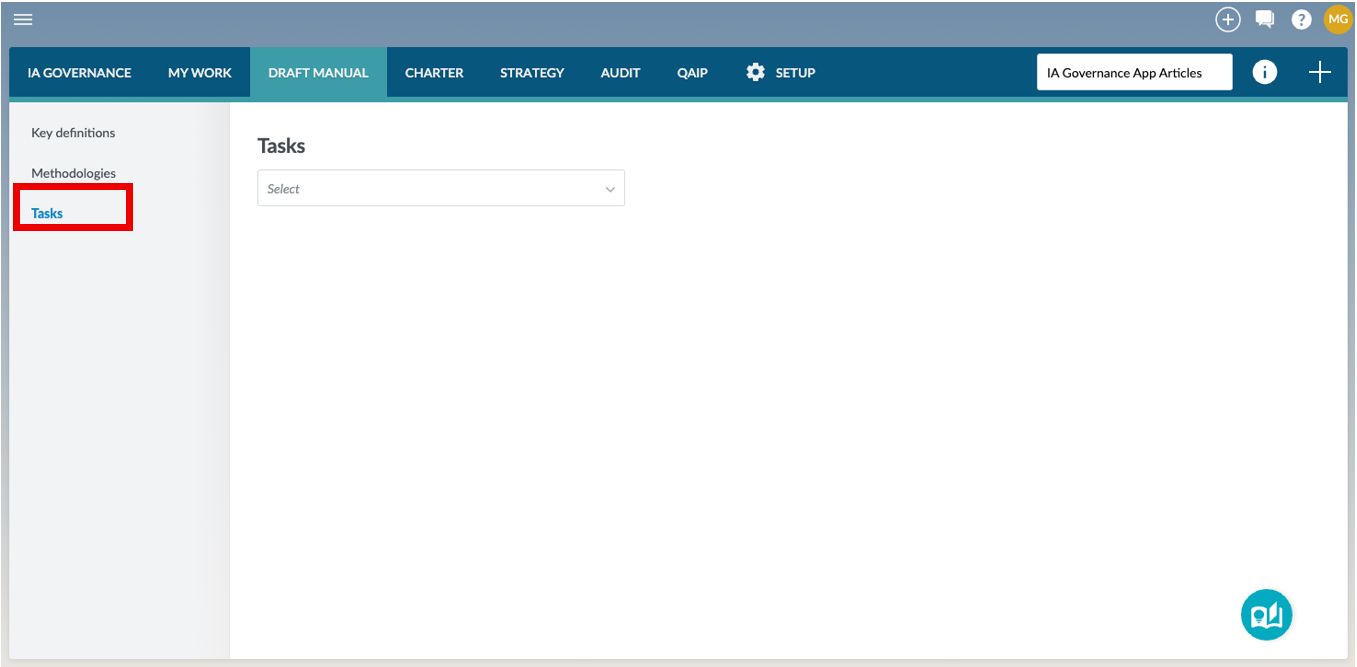
DRAFT MANUAL | Tasks can be found on the sidebar within the DRAFT MANUAL module of the IA Governance app.
Page content
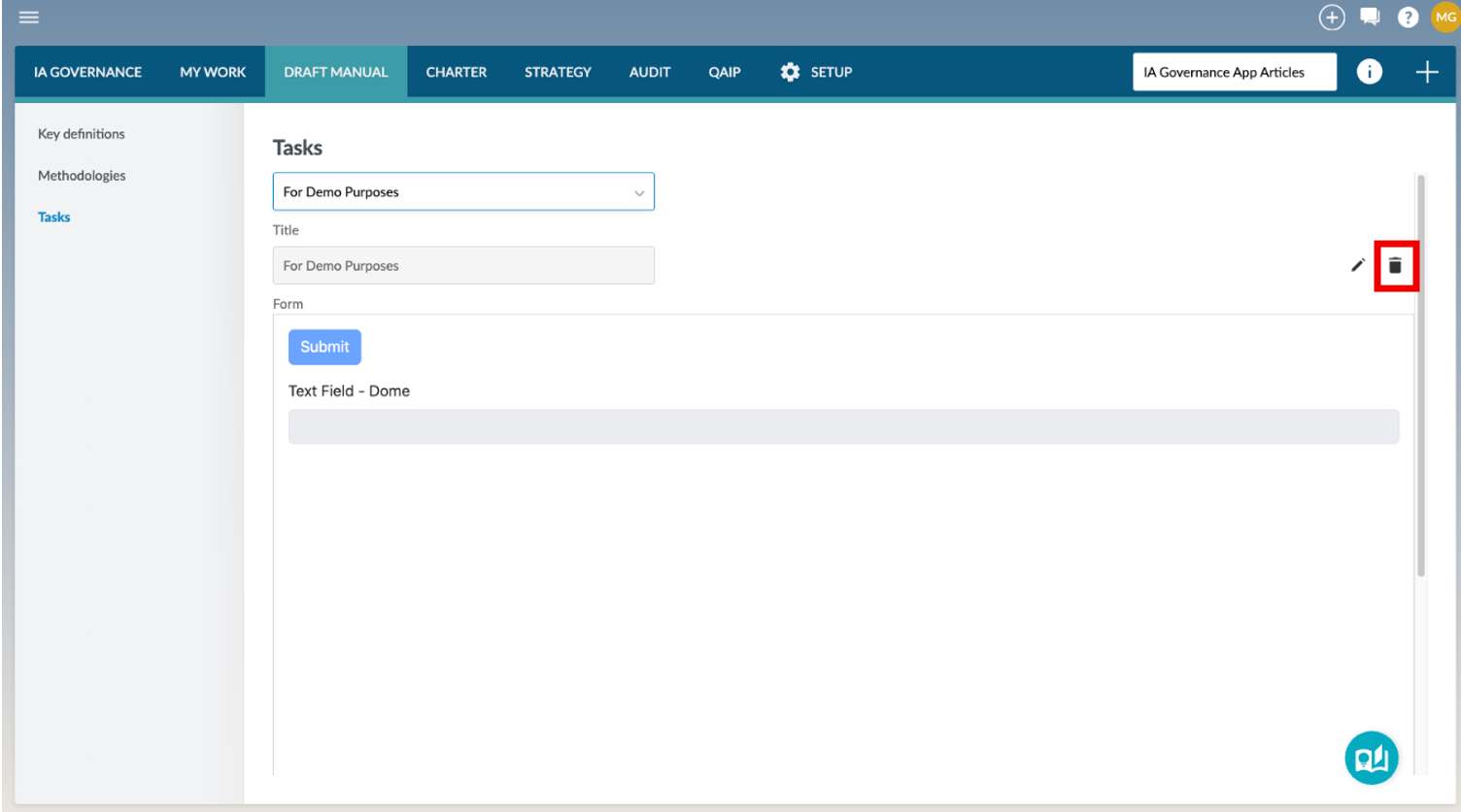
The Tasks page provides a centralised area for creating and managing tasks that may be linked to methodology requirements. At the top of the page, a task selector opens up a dropdown menu that allows users to choose an existing task.
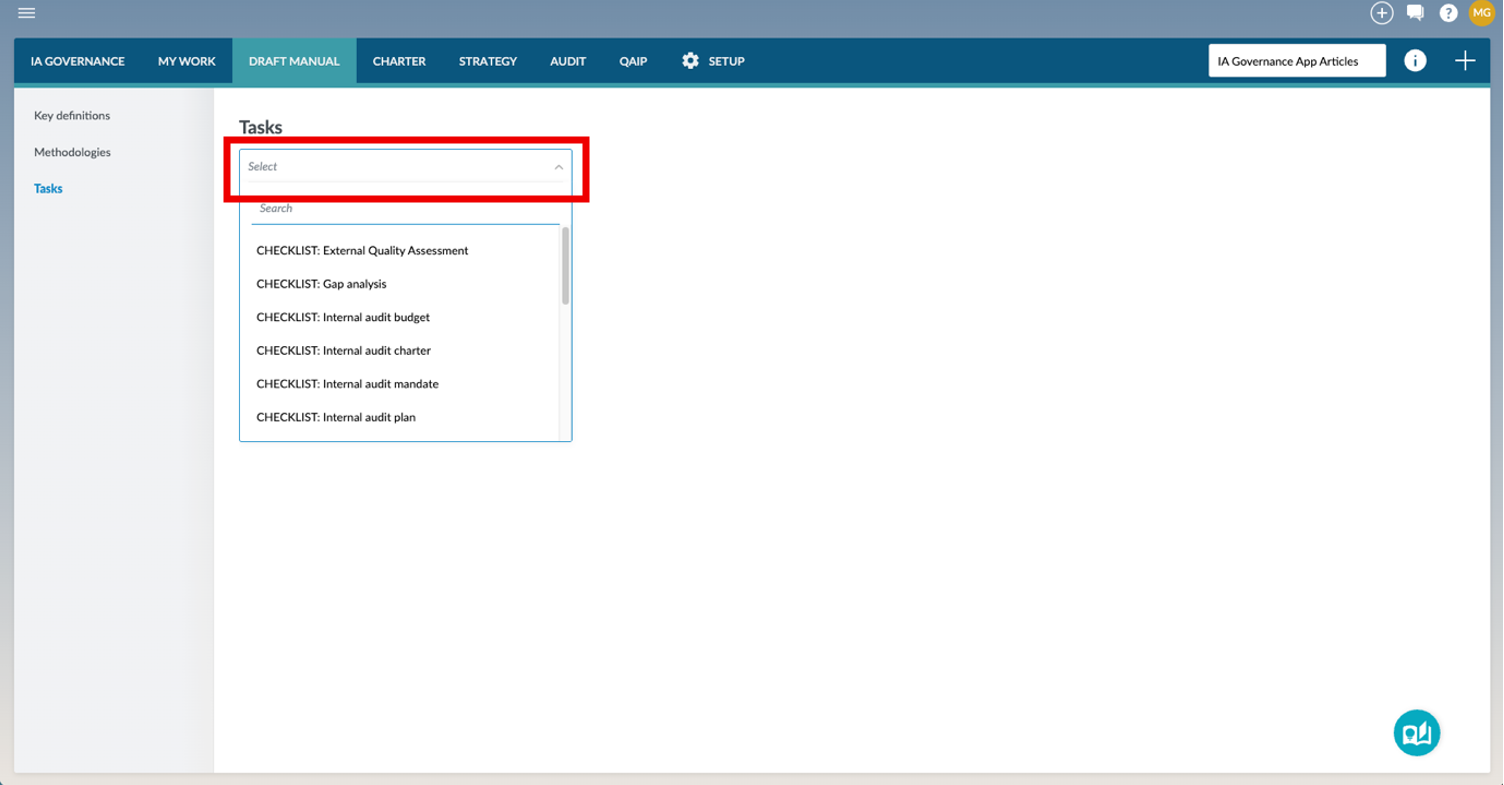
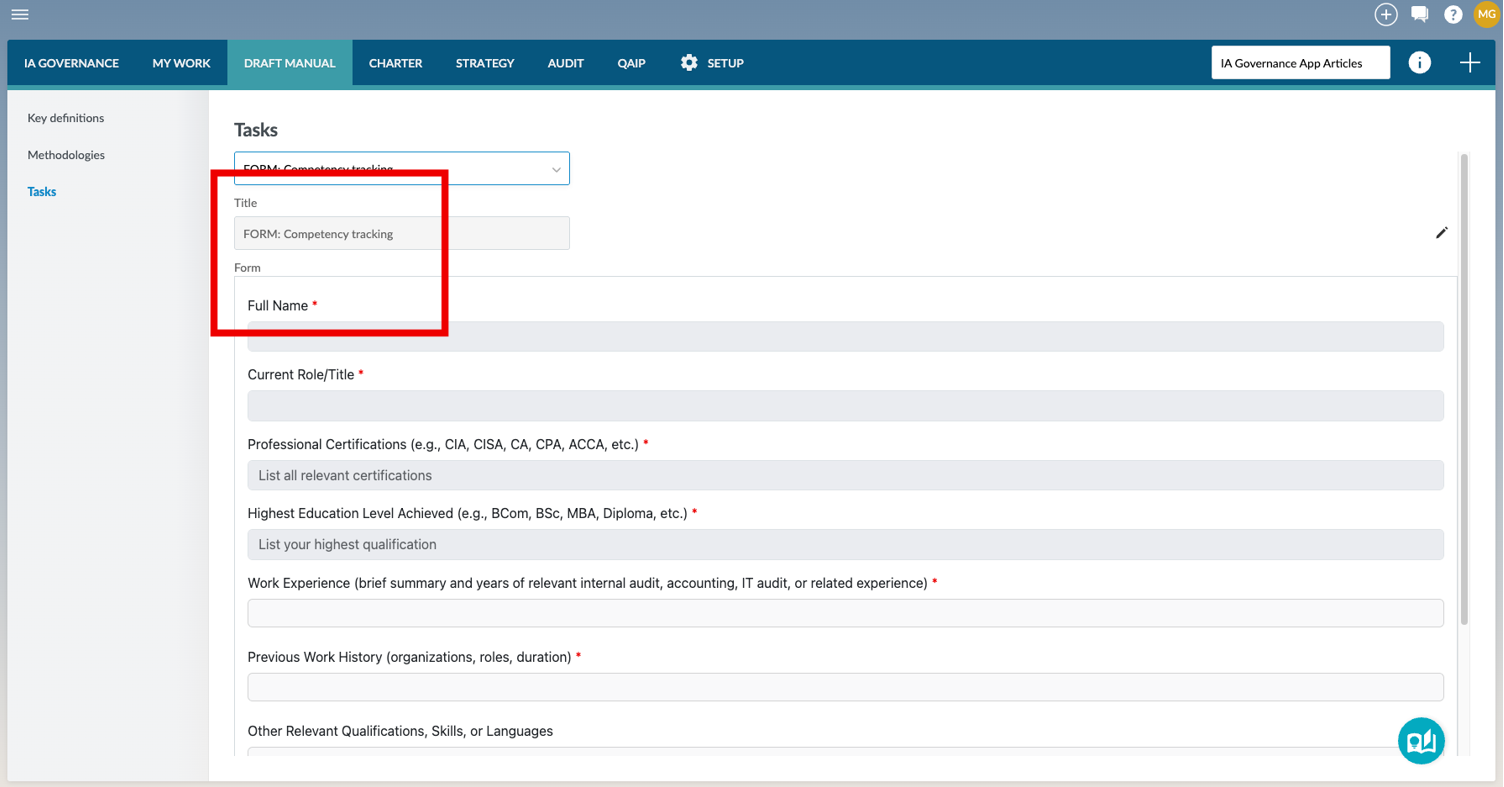
Once selected, the task title and a preview of the associated form or checklist are displayed below.
Each task consists of two compulsory components: a Title, which provides a short descriptive name identifying the task, and a Form or a Checklist, which is created using the built-in form builder that captures the content that users must complete. Tasks created in this section become available for selection when adding or editing requirements within DRAFT MANUAL | Methodologies.
Tasks are displayed with their associated topics, description, status, last established dates, and available actions, allowing users to manage updates through controlled versioning while preserving established Tasks.
Tasks are grouped by Topic, the category the methodology belongs to, as was created in SETUP | Tasks.
Adding a Task
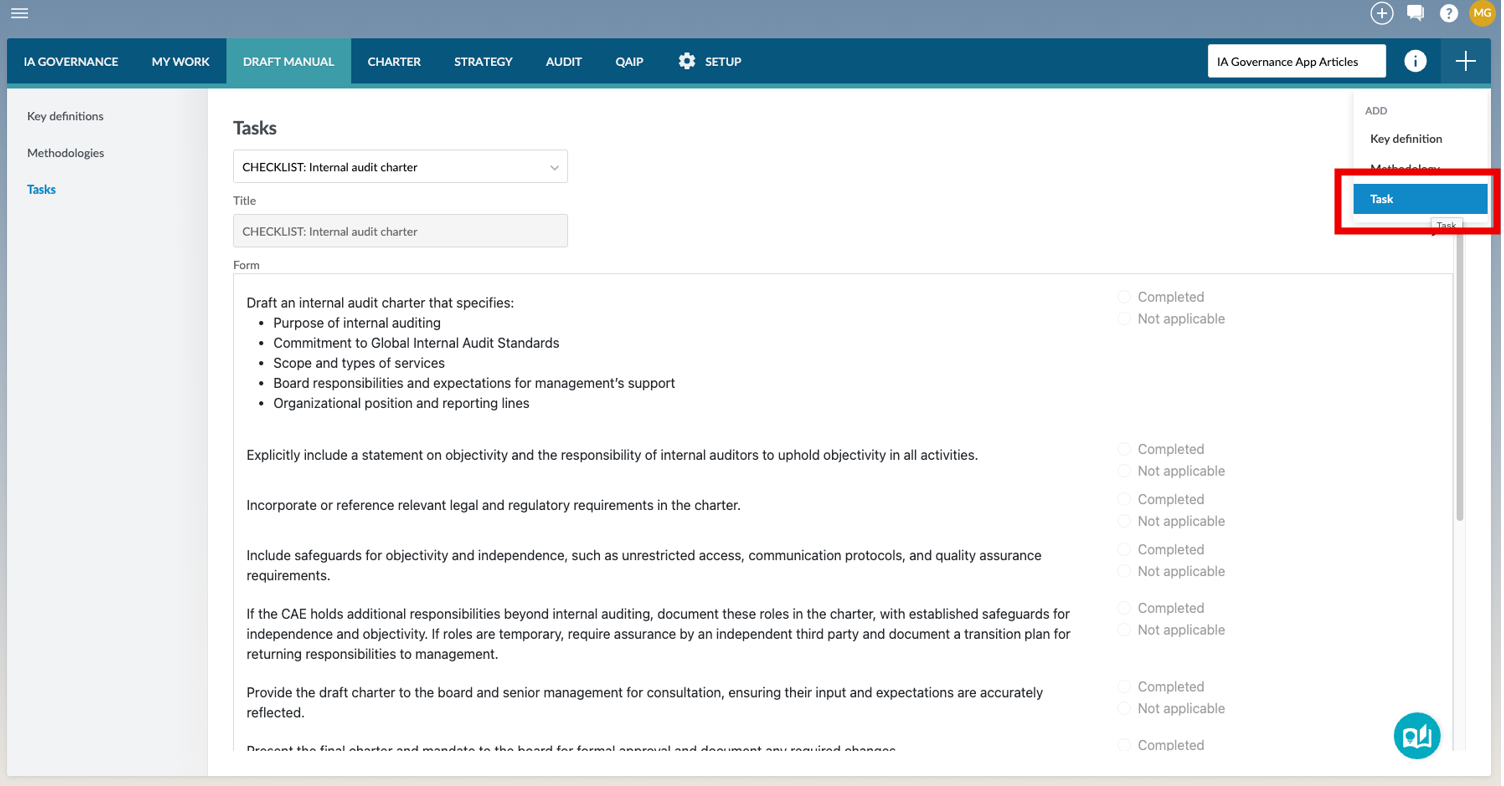
To add a task, select the + button in the top right-hand corner of the screen and then Task from the drop-down menu that appears.
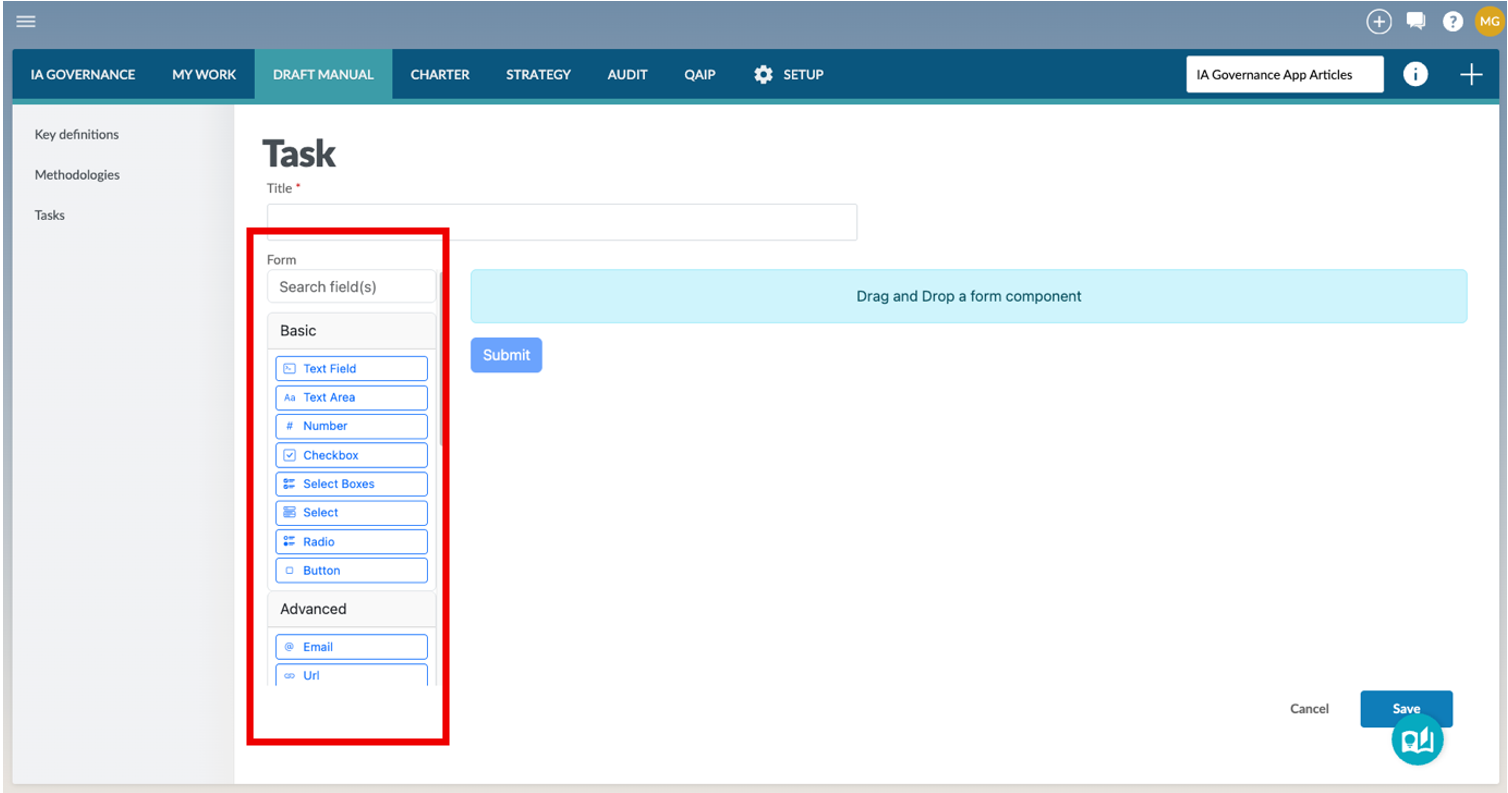
A page will open where users are required to specify the Title of the new task and to drag and drop selected field(s) required for the form that the user wants to create.
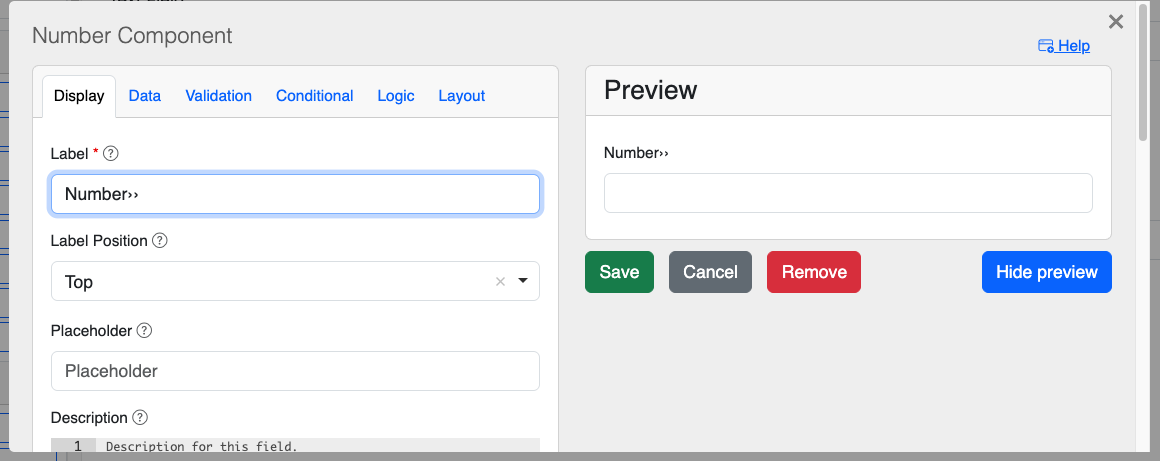
Dragging and dropping a form component opens up a dialog box that needs to be completed by the user. The content of the dialog box are dependent on the component that has been selected. A Preview of what the component of the task will look like will be visible on the right-hand side of the dialog box. Once all of the required elements have been completed, the Save button can be selected to save the component.
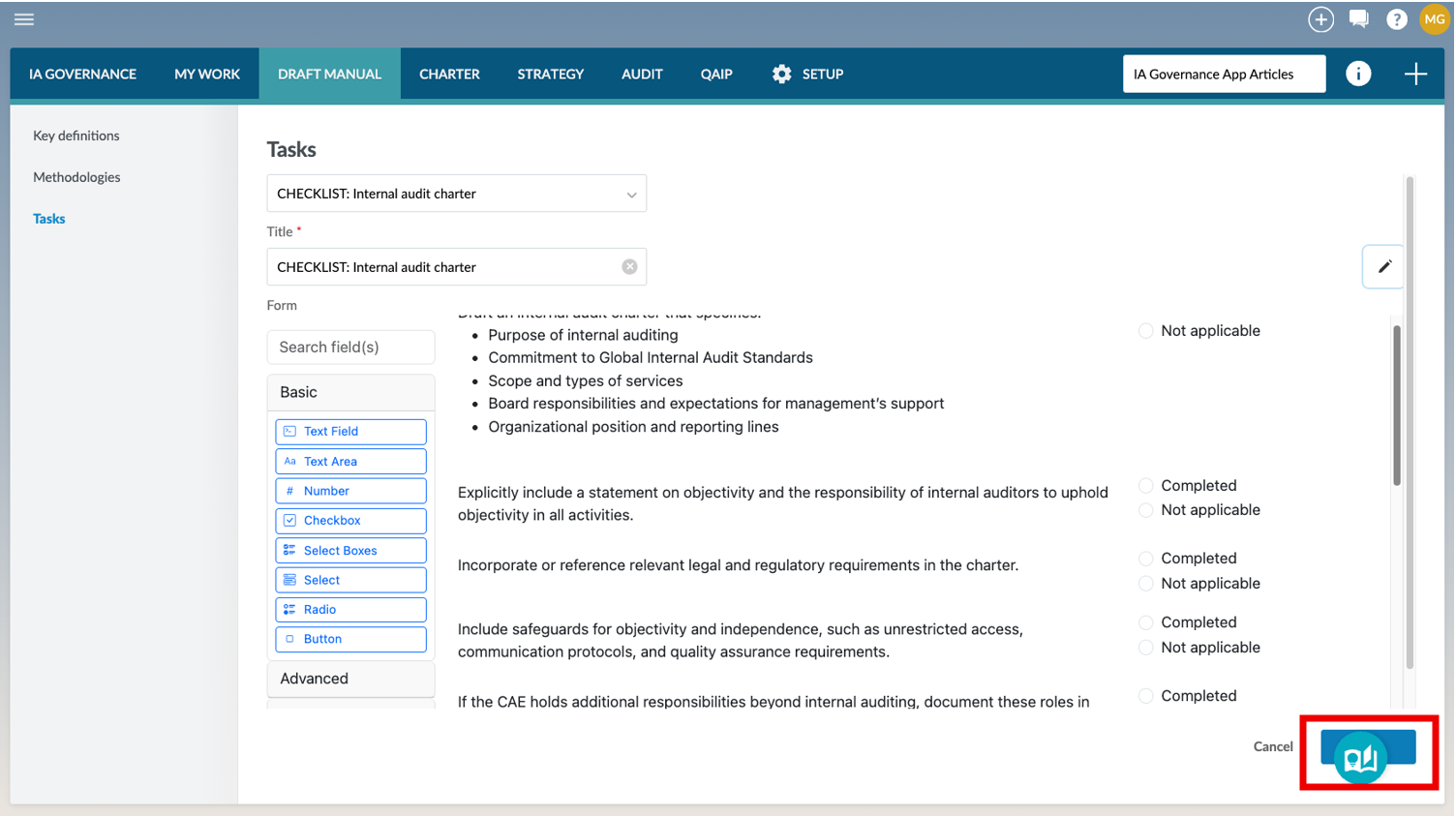
A task might require multiple components. After all components have been added, the user can Save the task. The new task will now be available to be linked to requirements within your methodologies.
Editing a Task
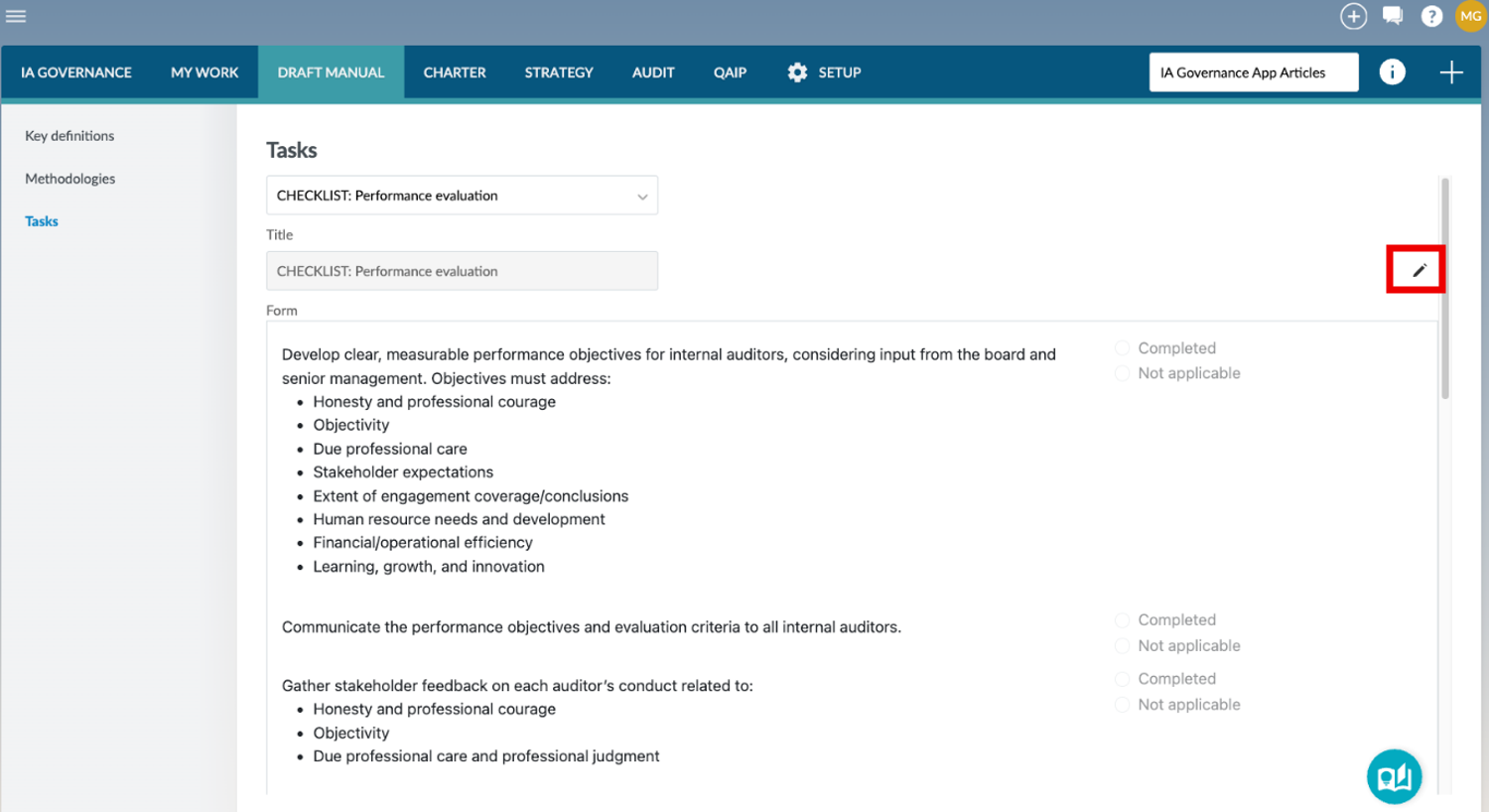
All tasks that appear in the drop-down menu can be edited. To edit a task, select the task from the drop-down list and click on the edit button that appears to the right of the title.
The edit mode of a task allows you to either add or remove components to the task by dragging and dropping the components into the task. Existing components can also be edited by hovering the cursor over the component, which makes the following options appear to the right-hand side of the component. Each option has a different functionality as follows:
- Edit

- Move

- Edit JSON(Coding Edit)

- Copy

- Delete

The following guide provides information on the requirements of each of the available fields for a methodology:
Deleting a Task
Only Tasks that have been created by users can be deleted. Pre-defined tasks that are not relevant to the internal audit function will not be selected as a task for use within the methodology but will remain within the DRAFT MANUAL | Tasks drop down menu.
Page outcomes
Maintaining Tasks within the DRAFT MANUAL module ensures that the Internal Audit Function operates according to a formally documented and consistently applied Internal Audit Manual. This promotes standardised execution of audit activities, clear allocation of responsibilities, controlled versioning of governance documents, and alignment with the organisation’s internal audit methodology, governance framework, and applicable professional standards, while preserving an auditable history of approved and established Tasks.
Features
The following features are available on this page:
Rate this article: