How do I capture and assess risks within the IA Governance app so that the audit plan is based on the most significant risks facing the organisation?
Instructions:
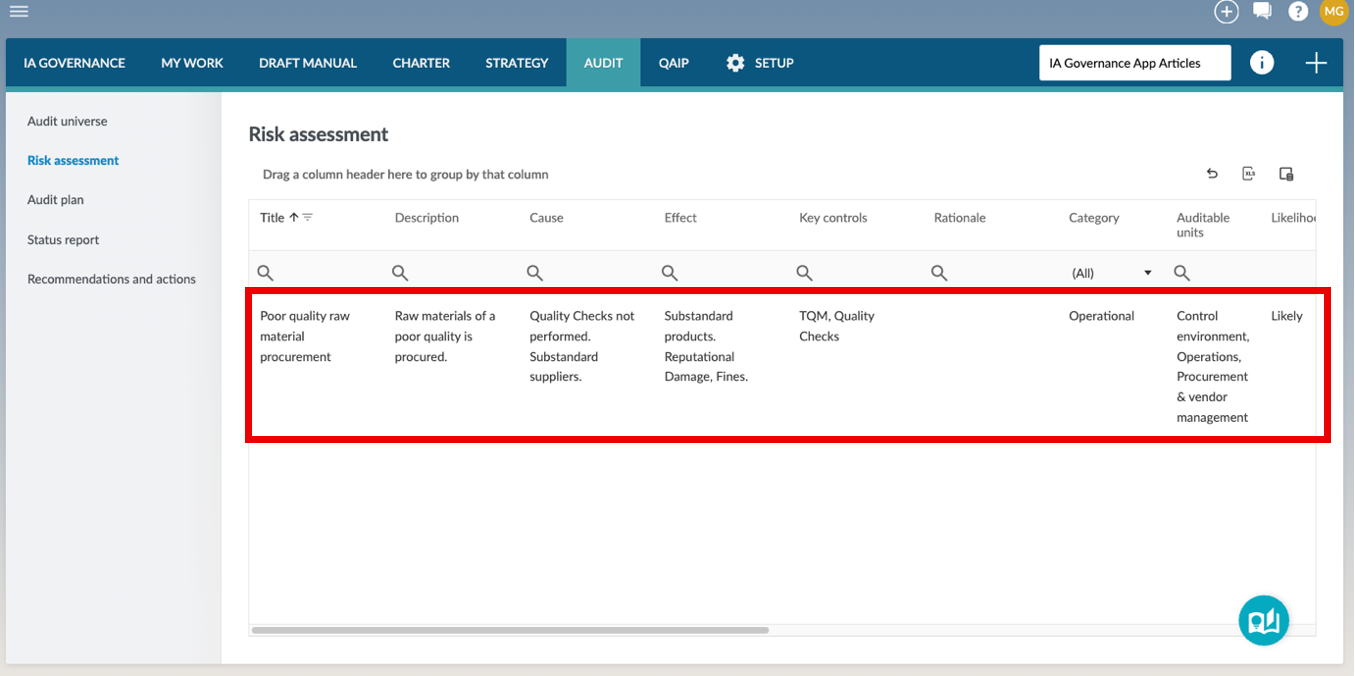
The AUDIT | Risk assessment page allows users to capture and evaluate risks associated with the organisation’s auditable units. By linking risks to the audit universe and assessing their likelihood, impact, and control effectiveness, the Internal Audit Function ensures that audit planning is driven by the most significant risks and aligned with a risk-based approach.
Objective
The objective of AUDIT | Risk assessment is to identify, assess, and prioritise risks across the organisation’s auditable units, providing a structured basis for developing a risk-based audit plan.
Page position
AUDIT | Risk assessment can be found on the sidebar within the AUDIT module of the IA Governance app.
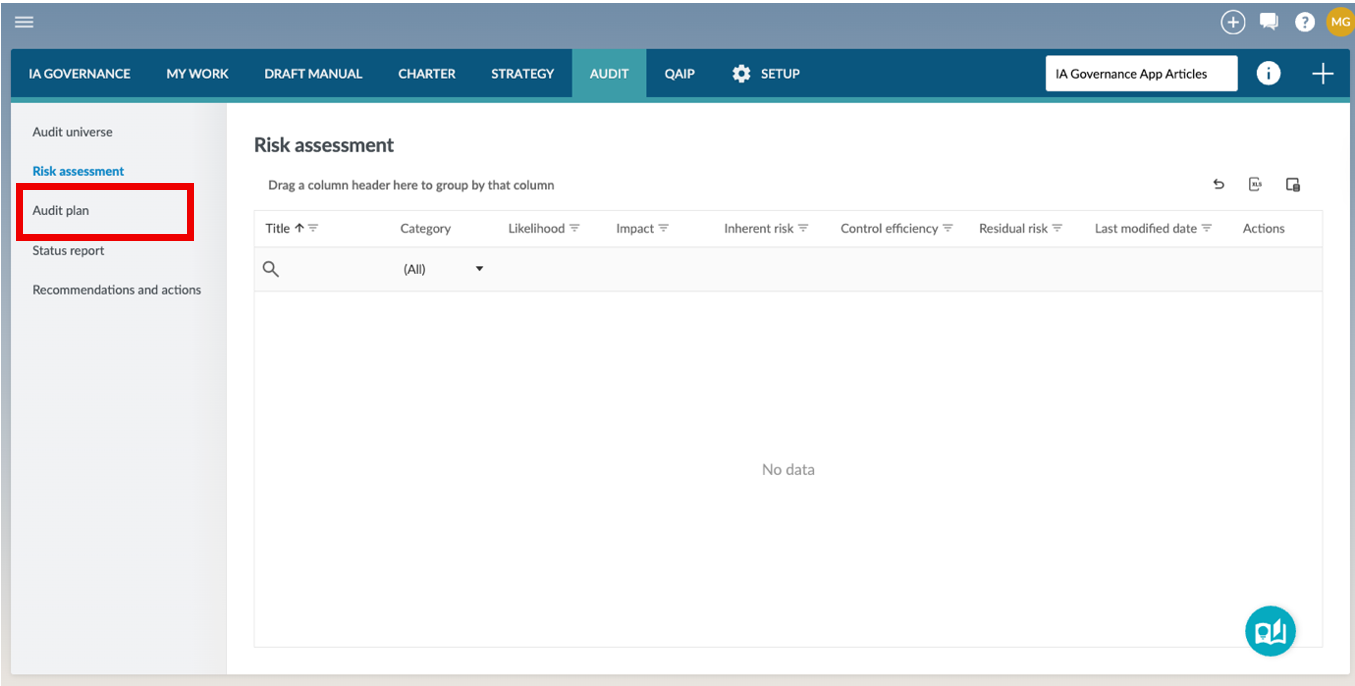
The Risk assessment page allows users to capture and manage risks linked to auditable units within the audit universe. Each risk is assessed based on likelihood, impact, and control effectiveness, enabling the system to calculate inherent and residual risk scores that support prioritisation for audit planning.
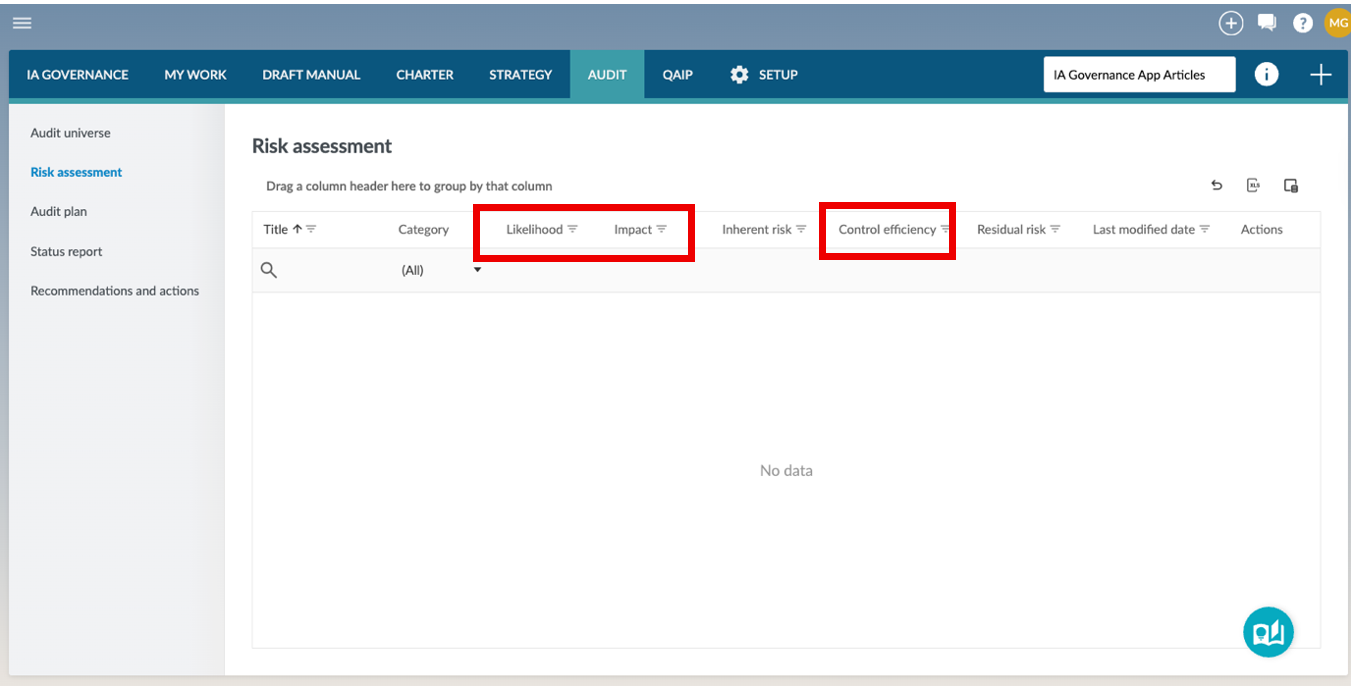
Risk fields
Each risk includes the following fields:
|
Field
|
Input required
|
|
Title
|
A short, descriptive name for the risk
|
|
Description
|
A detailed explanation of the risk
|
|
Cause
|
Why the risk exists
|
|
Effect
|
The potential consequence if the risk materialises
|
|
Key controls
|
Description of controls currently in place to address the risk
|
|
Risk assessment rationale
|
Explanation of how and why the risk has been assessed and scored
|
|
Category
|
The category the risk belongs to. Options are managed under SETUP | Audit
|
|
Auditable units
|
Link the risk to one or more auditable units from the audit universe
|
|
Likelihood
|
The probability of the risk occurring. Options are managed under SETUP | Audit
|
|
Impact
|
The severity of the risk’s consequences. Options are managed under SETUP | Audit
|
|
Inherent risk
|
Automatically calculated from likelihood and impact, based on system configuration
|
|
Control effectiveness
|
The effectiveness of controls in place. Options are managed under SETUP | Audit
|
|
Residual risk
|
Automatically calculated from inherent risk and control efficiency
|
|
Created by
|
The user who originally created the risk record.
|
|
Created date
|
The date and time when the risk was first created in the system.
|
|
Last modified by
|
The user who most recently updated the risk record.
|
|
Last modified date
|
The date and time when the risk was last updated.
|
|
Actions
|
Provides available options to manage the risk, such as editing or deleting the record.
|
Adding an Risk
To add a new risk, select the + button and then Risk.
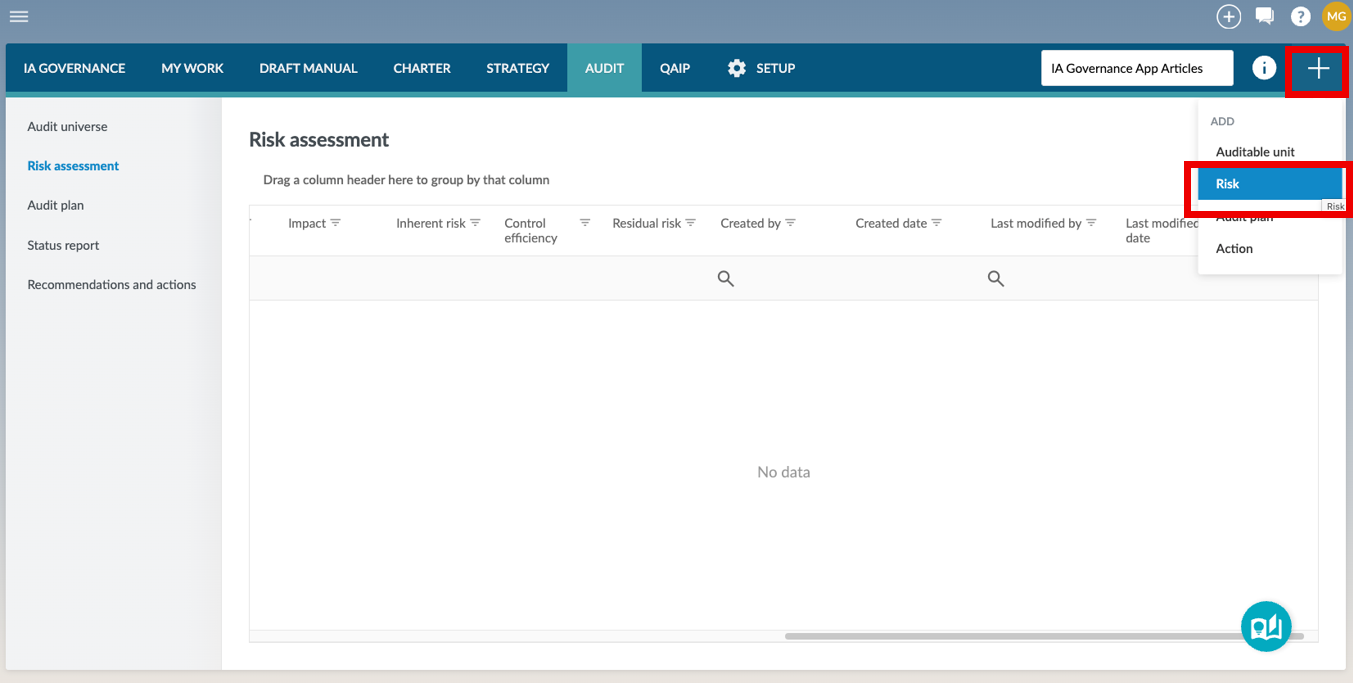
A page will open where the required fields, as described above, can be completed.
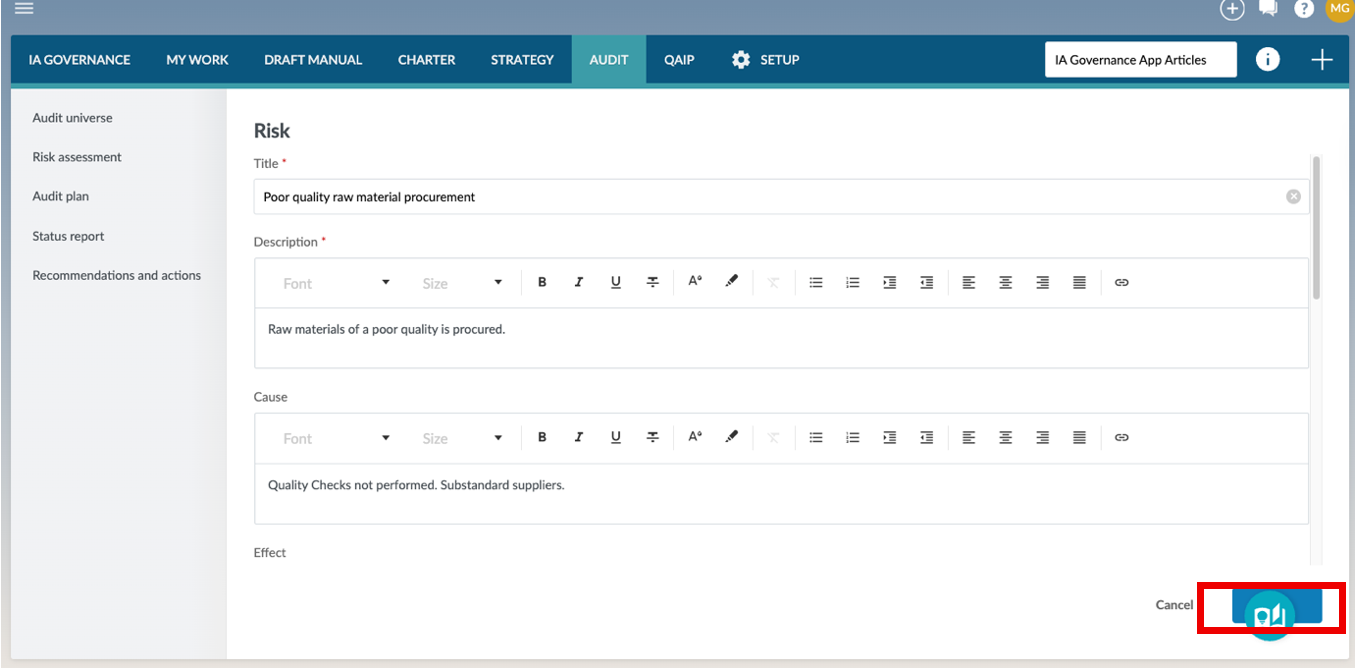
Once saved, the risk is added to the table and becomes part of the organisation’s risk assessment.
Editing a Risk
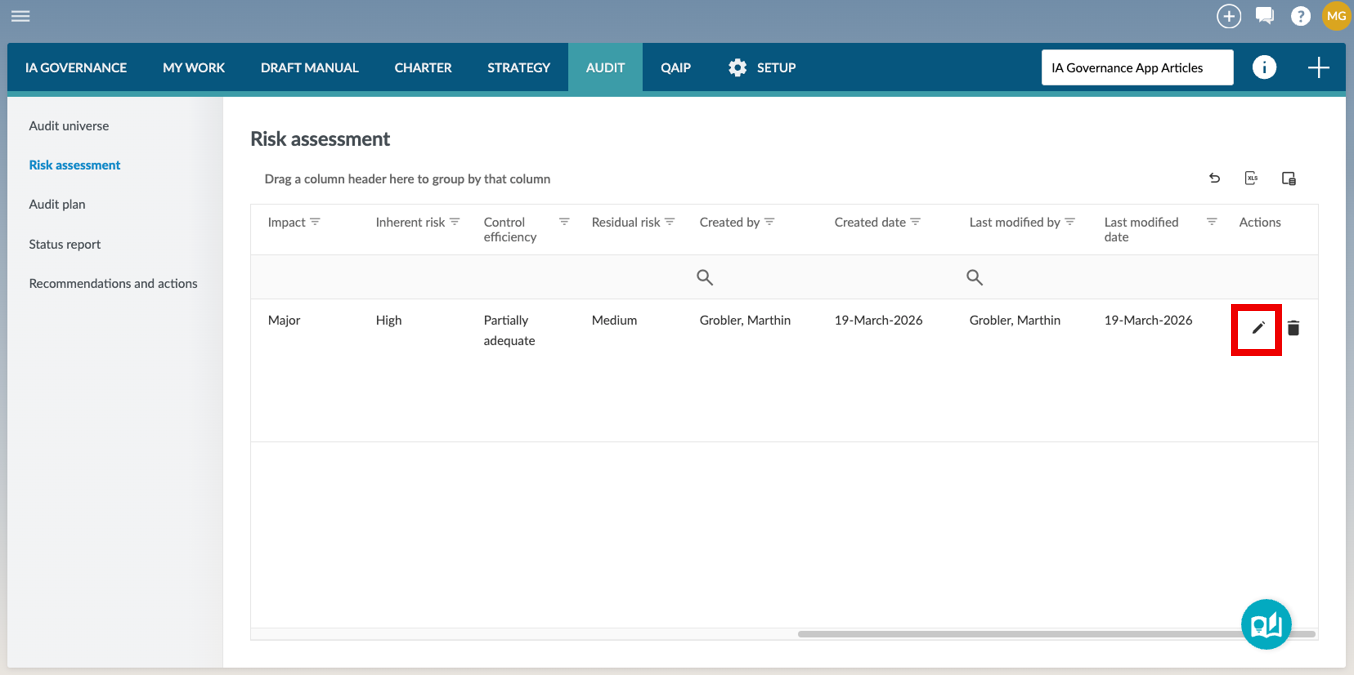
To edit an existing risk, click the Edit button in the Actions column.
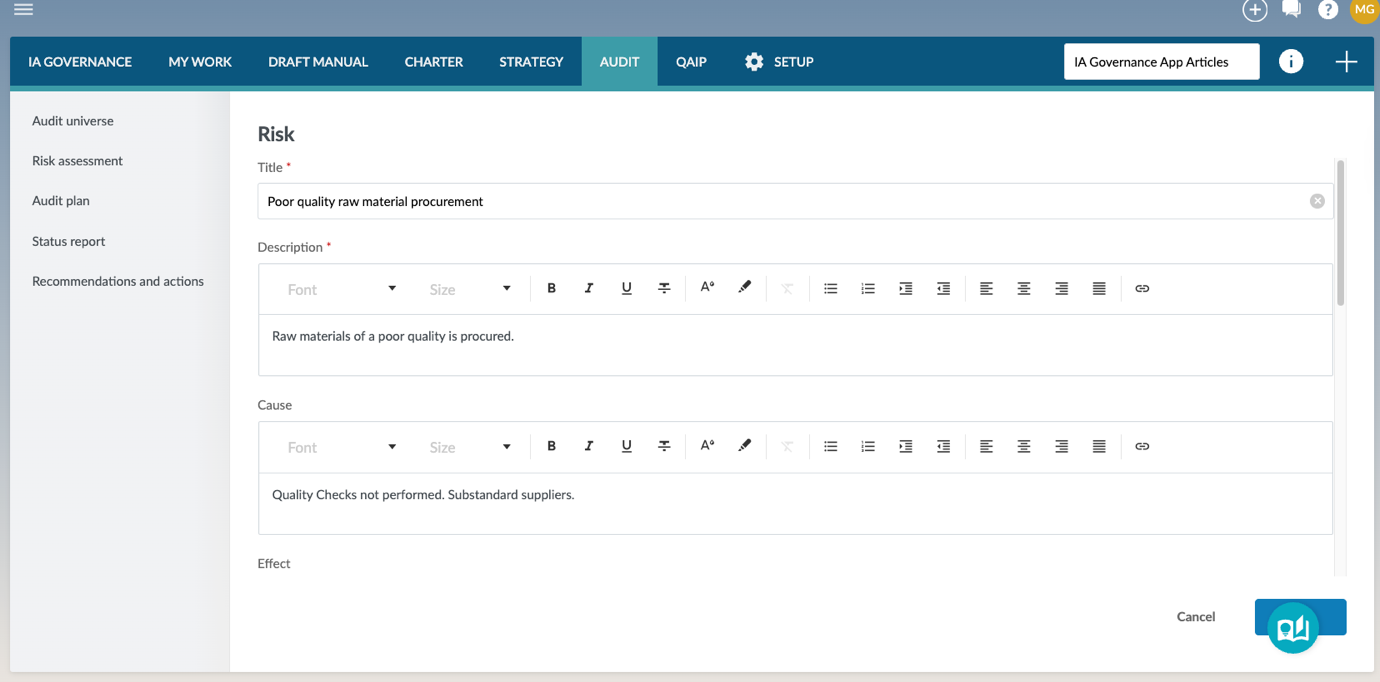
This opens the risk detail page, where the fields can be updated.
Deleting a Risk
To delete a risk, click the Delete button in the Actions column.
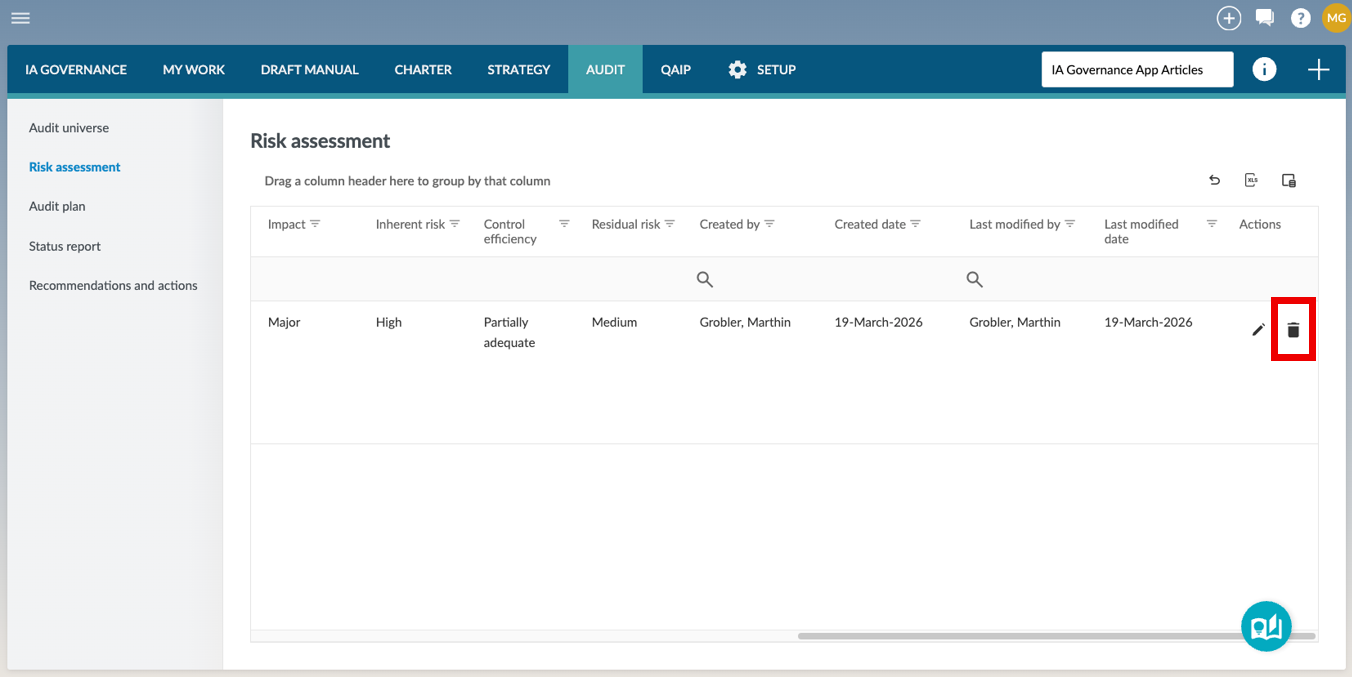
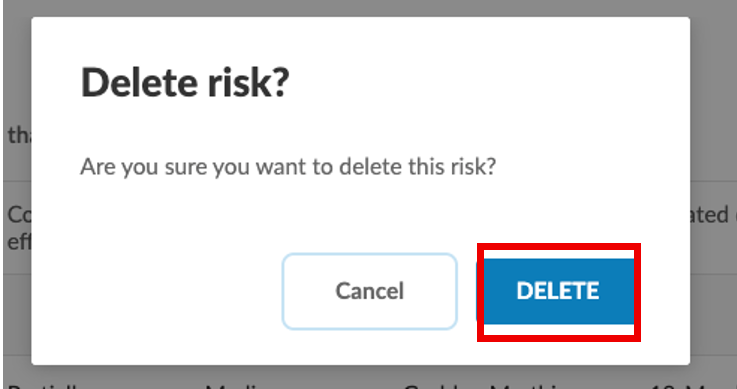
Pressing Delete will the risk from the risk assessment database.
Page outcomes
Maintaining the Risk assessment ensures that the Internal Audit Function has a structured and up-to-date view of the organisation’s risks, linked to the audit universe and evaluated based on likelihood, impact, and control effectiveness. This enables the prioritisation of high-risk areas and supports the development of a risk-based audit plan that focuses audit effort on the areas of greatest significance.
Features
The following features are available on this page:
Rate this article:
|vote=None|
Processing...
(Popularity = 0/100, Rating = 0.0/5)
Related Articles
Probe Audit | 11.20 Inherent risk assessment
Probe | Planning Risk Assessment | 11.20 Inherent Risk Assessment
Probe Methodology | Planning Risk Assessment - 11.20 Inherent Risk Assessment
Probe Audit | 10.50G - Plan extent of risk assessment procedures
view all...
Search Results
Where are the User Agreement and Privacy Policy located?
ISAE Attestation | How to create a new engagement
ABSA Private, Wealth and Retail Banking South Africa Audit Confirmation Instructions
Investec Private Bank South Africa Audit Confirmation Instructions
How to Register a New User on Confirmation.com
view all...