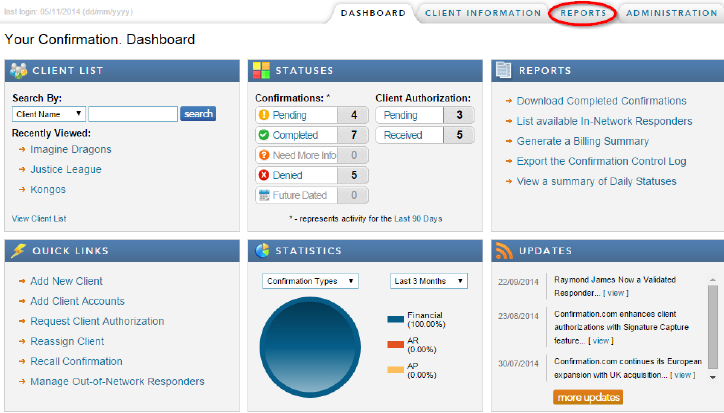
- Select the “Reports” tab, located at the top right .
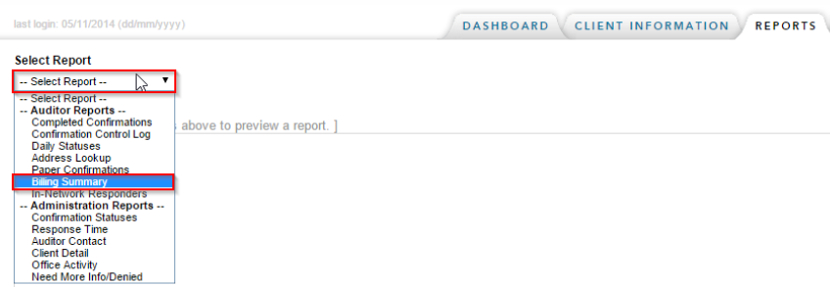
- Select the report you wish to view and complete the filters.
 Note:
Note: If you wish to export the report, simply click on the export button once a report has been selected
Instructions:
Individual users can generate different reports in their Confirmation profile.
Rate this article:
|vote=None|
Processing...
(Popularity = 0/100, Rating = 0.0/5)
Related Articles
What does the Daily Status Report provide?
What does the Completed Confirmation Report provide?
What billing methods can I use to pay for confirmations?
Retrieving Completed Confirmations
Confirmation Billing Guide (Effective 1 Nov 2025)
view all...