Third party responders require client authorisation from a bank mandated client signer before releasing client information to a requesting auditor. Different client signers can be assigned to different forms in a client profile.
Instructions:
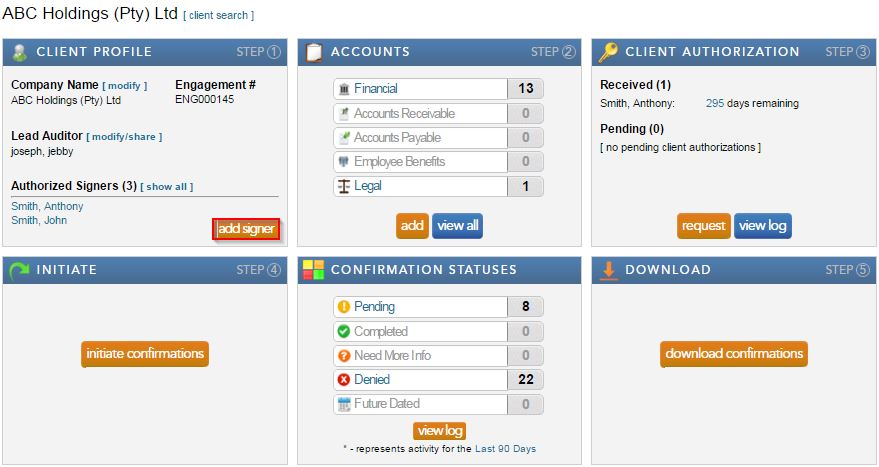
- Add a new signer by clicking “add signer” under the Client Profile block. Complete the required fields and select save.
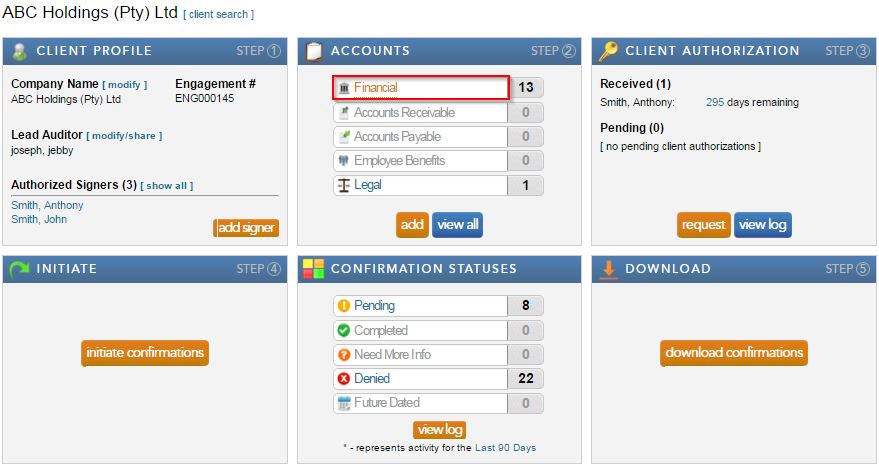
- Select “Financial” from the Accounts block.
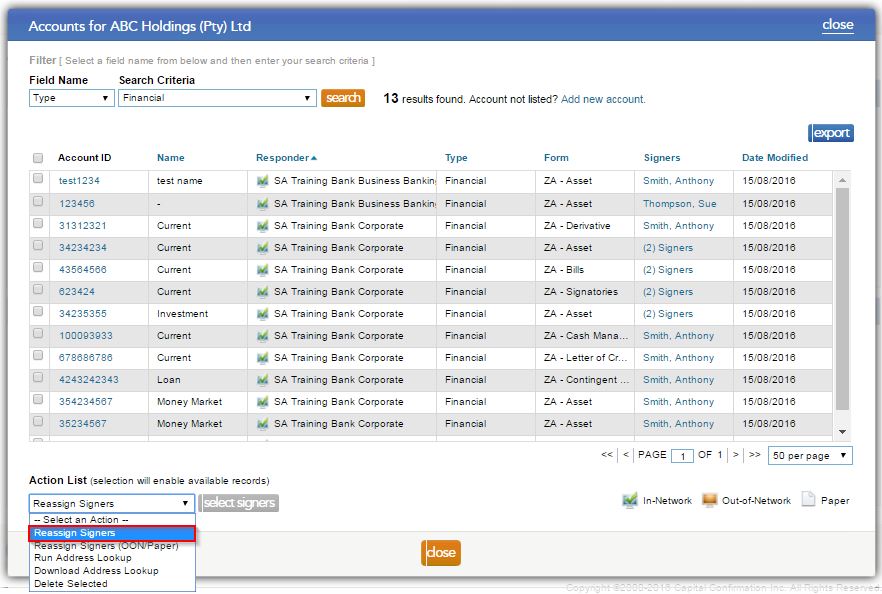
- Select “Reassign” from the drop down “Action List.”
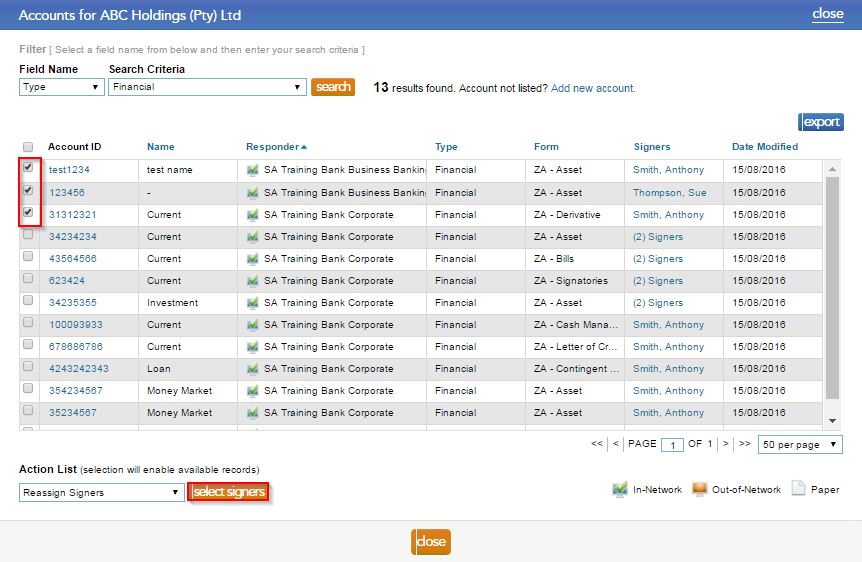
- Check the boxes to the left of the forms, that need to be reassigned, and click on the "select signer" button.
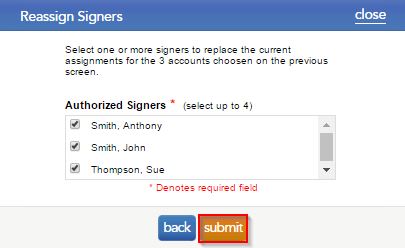
- Tick the signers that should be assigned to the form, and select "submit".
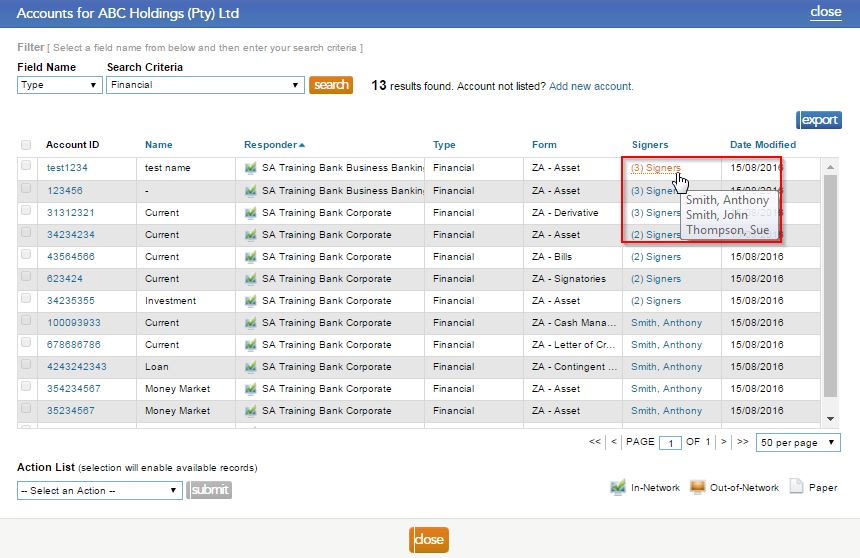
- By hovering over the signer name, users can view which signers are now attached to the form.
Note: make sure you request authorisation for the new signer(s), prior to initiating the requests.
Rate this article:
|vote=None|
Processing...
(Popularity = 0/100, Rating = 0.0/5)
Related Articles
How do I know the client signer has authorized the auditor to send requests? (New Version of Confirmation)
XBRL | How to change security settings for Caseware and when iXBRL "hangs" on CIPC validation
How do I add a new user to my institution (New Version of Confirmation)
Client Authorisation
What's New | Responders: New version of Confirmation 2025/26
view all...
Search Results
Getting Started | Year end close
Principles of mapping the trial balance
Cloud Time | Year End Close
How to perform a Year-End Close
How to perform a multiple year end close
view all...