Using Caseware AiDA on Caseware IDEA
Answer:
Using Caseware AiDA on Caseware IDEA
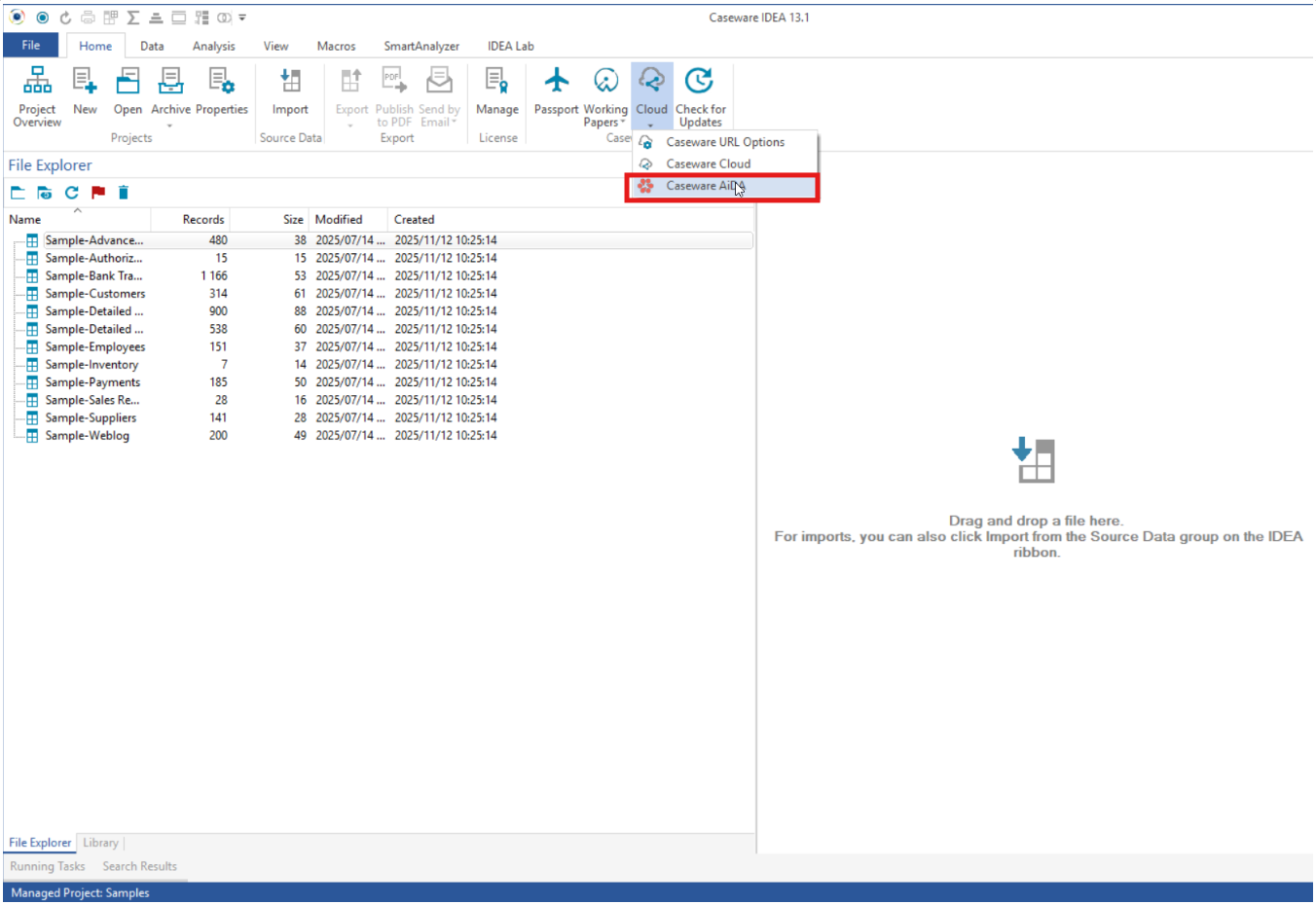
Once the Caseware Cloud URL has been added on the Caseware URL Options, the user can select Caseware AiDA on the dropdown menu.
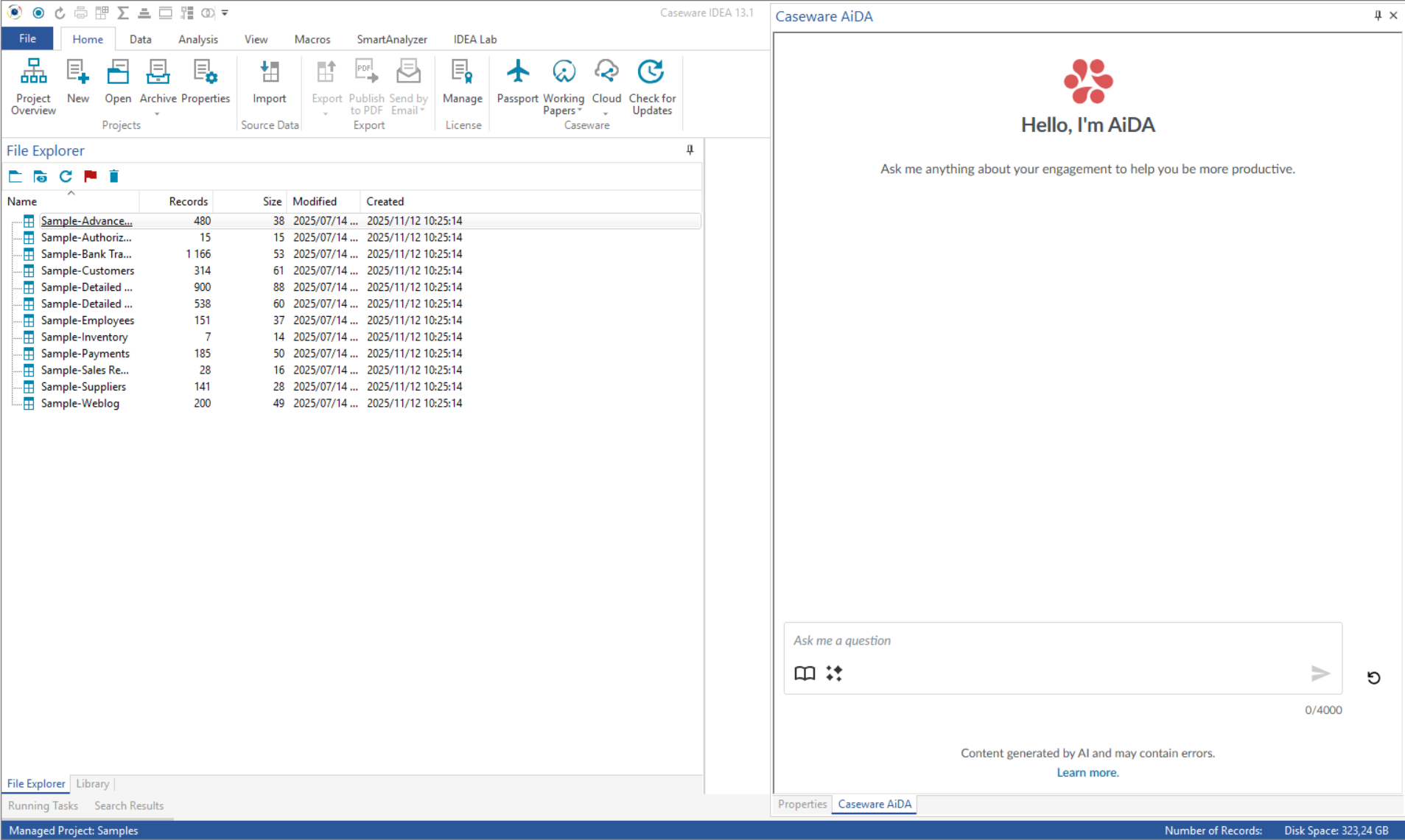
Once you click on Caseware AiDA, it will appear for all relevant staff in the right-hand navigation bar within Caseware IDEA.
Once Caseware AiDA is set up and ready for use, refer to the following videos showcasing the main AiDA features:
Rate this article:
|vote=None|
Processing...
(Popularity = 0/100, Rating = 0.0/5)
Related Articles
Caseware IDEA Tutorials: Importing An Excel Spreadsheet
Caseware IDEA Tutorials:Duplicate Key Exclusion
Caseware Working Papers | Create an engagement file that is synced on Caseware Cloud for the next period (roll forward)
Caseware IDEA Tutorials: Creating a Pivot Table in IDEA
view all...