Why is Caseware Working Papers not responding when I close my client file?
Answer:
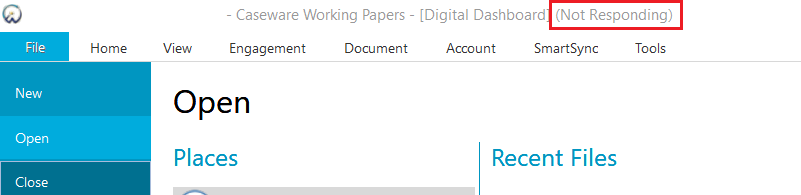
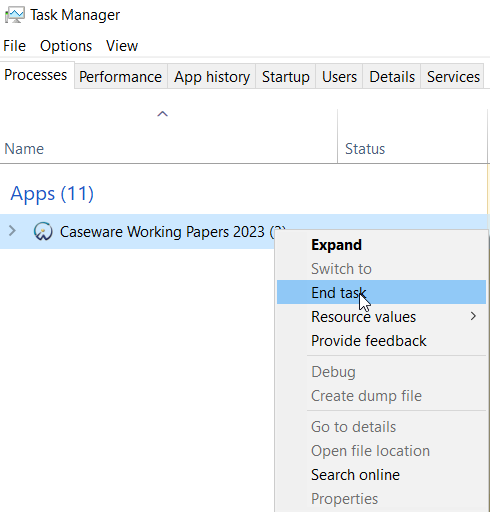
During the release of Audit International 25 as well as Caseware Working Papers 2023, it came to light that in some cases trying to close a client file would cause Caseware Working Papers to stop responding. The only way to get around this would have been to forcefully close the program from the Windows Task Manager by right-clicking on the program and selecting End task.
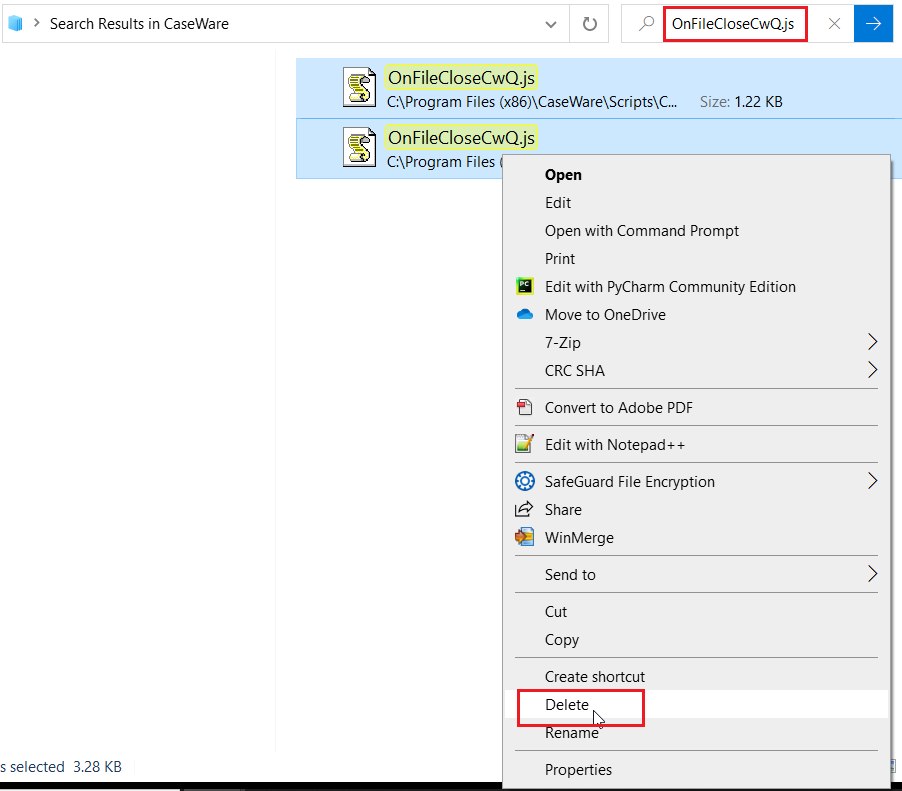
A more permanent solution is to delete a script from your Caseware folder which is causing the issue to occur.
To do this:
- Go to the Caseware folder on your machine. The default location is C:\Program Files (x86)\Caseware.
- Search the folder for the script OnFileCloseCwQ.js . A list of all occurrences of this script will be shown. Select all occurrences, right-click, and select Delete.
NB: Please search for the term exactly as shown for the correct files to appear in the results. There are other OnFileClose files which should never be deleted when doing this. The specific one to delete is the one mentioned here.
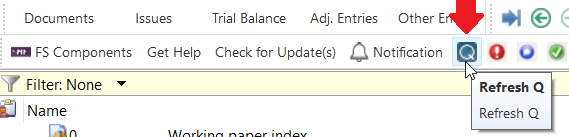
The impact of deleting the above file(s) is that if your firm uses Caseware Q with any of our Assurance templates, the Q information that would usually get automatically published to the cloud upon closing the file will now only get published upon clicking on Refresh Q button from the Caseware Working Papers toolbar.
Rate this article:
|vote=None|
Processing...
(Popularity = 1/100, Rating = 0.0/5)
Related Articles
Caseware Working Papers | What to do when opening a Caseware Working Papers file and you get an Error 2 – File not found error?
Caseware Working Papers | Rounding the financials in Caseware Working Papers
Caseware Working Papers | Getting Started | Download install and register Caseware Working Papers
Audit International | Why do I not have any Audit International Template files in my Template folder?
view all...
Search Results
Reassigning Client Profiles to Different Audit Users
Adding Financial Forms to a Client Profile
Roll Forward of a Client Profile
Can I add different authorised signers to different forms?
Editing Financial Forms in a Client Profile
view all...